
What’s new · AngoraOS 0.6 · Mark6
New in
0.6 Mark6.
The features on this page arrived with AngoraOS 0.6 (Mark6), which is open to everyone: download it and try it. The screenshots were taken from the development build.
01 / 11 · Text Editor
For notes, code
and letters.
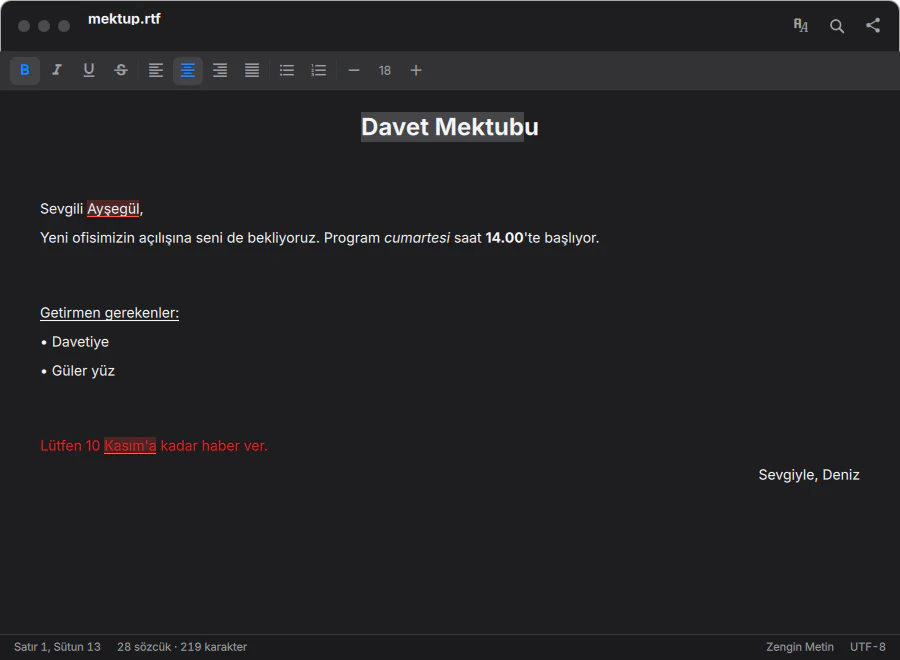
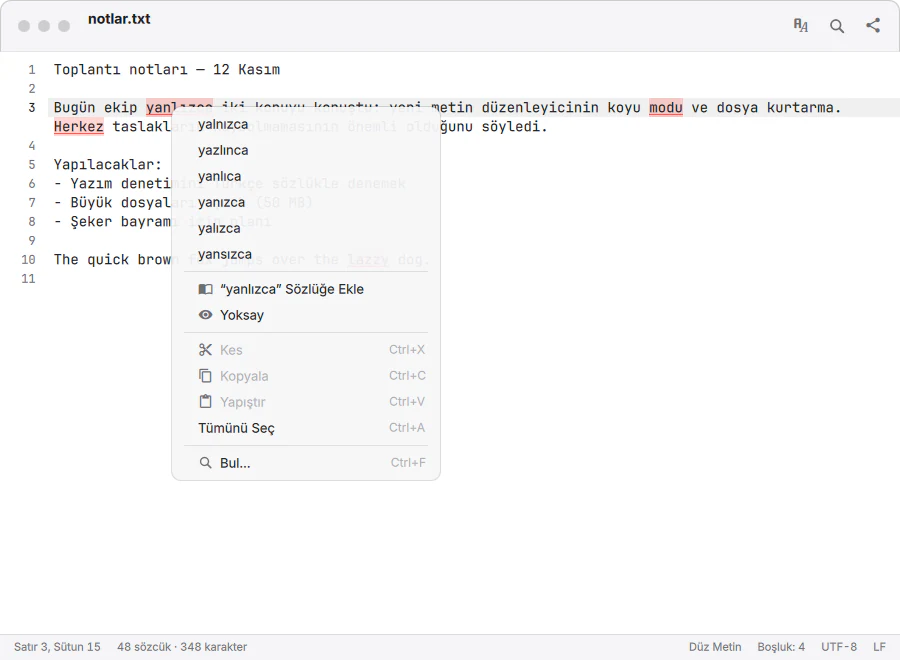
A new editor for plain text, code and formatted documents. Turkish and English spell checking, find and replace, Markdown preview, and unsaved drafts kept safe. It follows the light and dark theme on its own.
02 / 11 · Dock
The Dock
knows more.
Right-click an icon to see the app’s open windows and options. Hover over it and the icon grows and shows its name. Minimised windows wait in the Dock as small previews, and unread counts and download progress appear on the icon’s corner.


03 / 11 · Accessibility
Usable
by everyone.
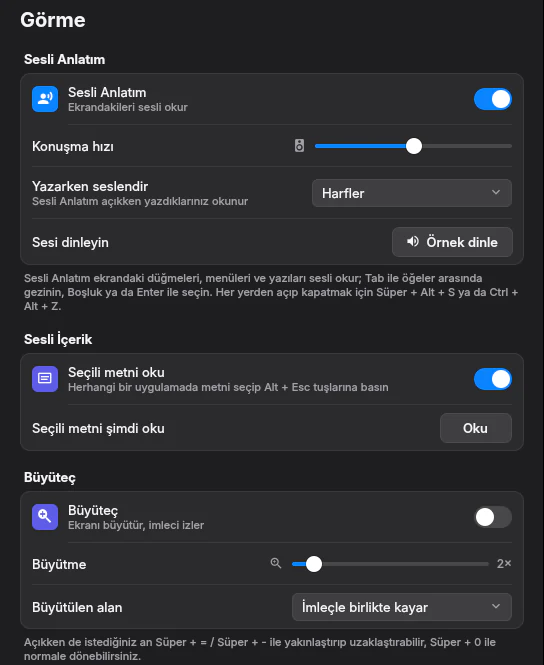
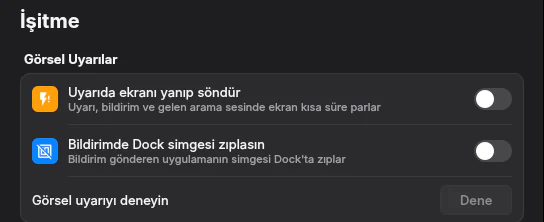
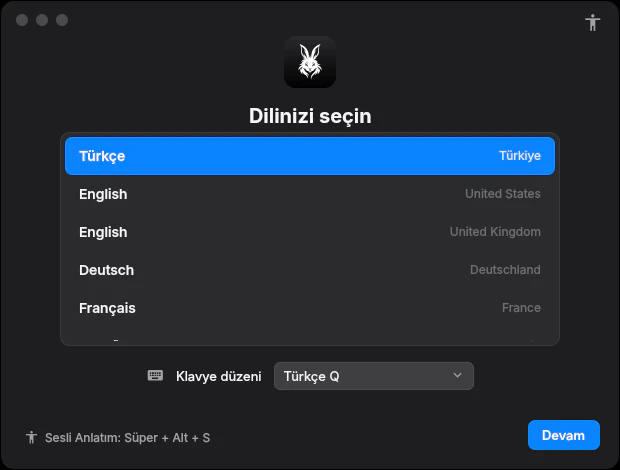
Spoken Narration reads buttons, menus and text aloud in Turkish, and can be turned on with Super + Alt + S from the very first setup screen. The Magnifier enlarges the screen and follows the pointer. For people who are hard of hearing, the screen flashes briefly on an alert sound and the icon of the app sending a notification bounces in the Dock.
04 / 11 · Network Recovery
Even if the system
won’t start.
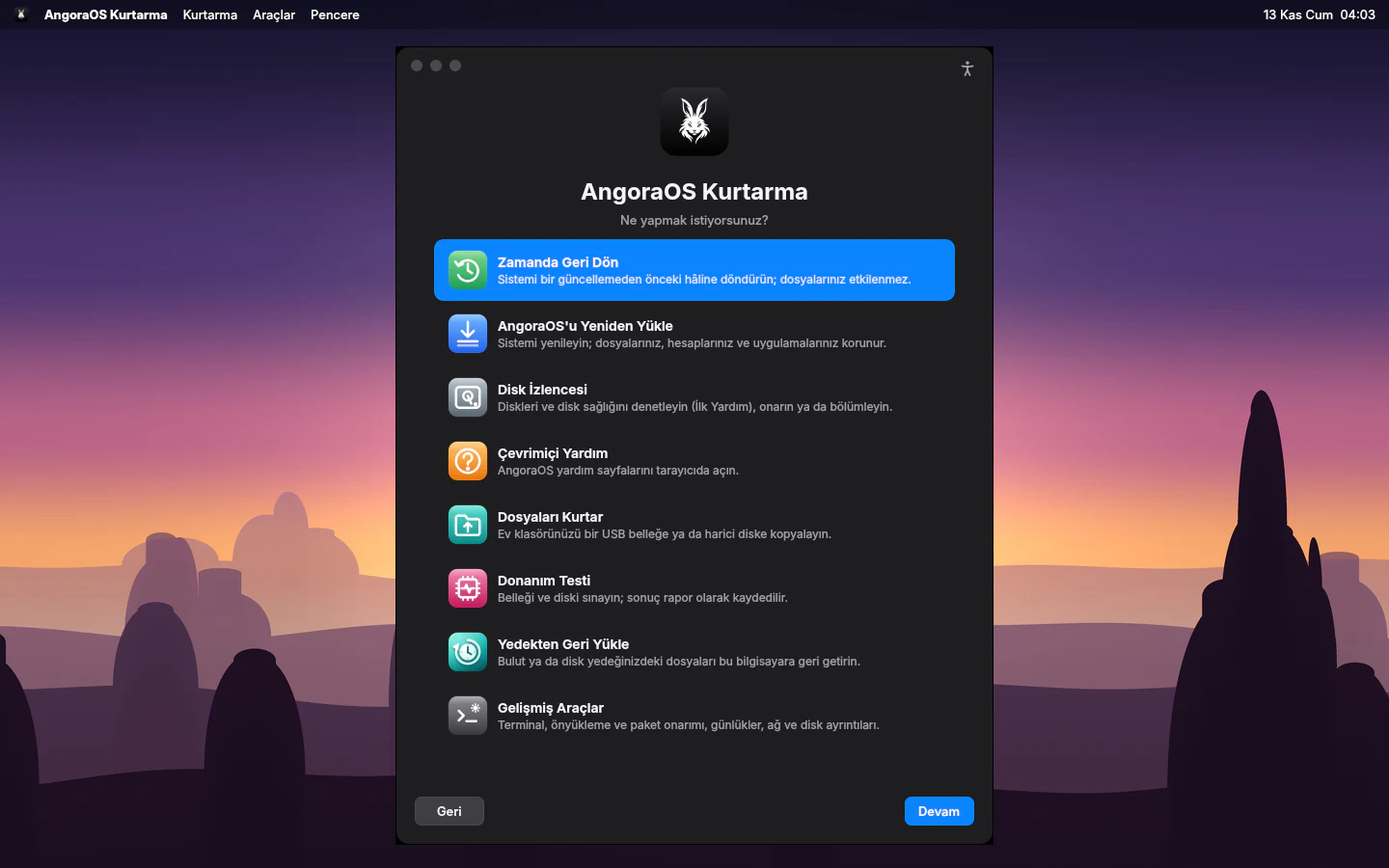
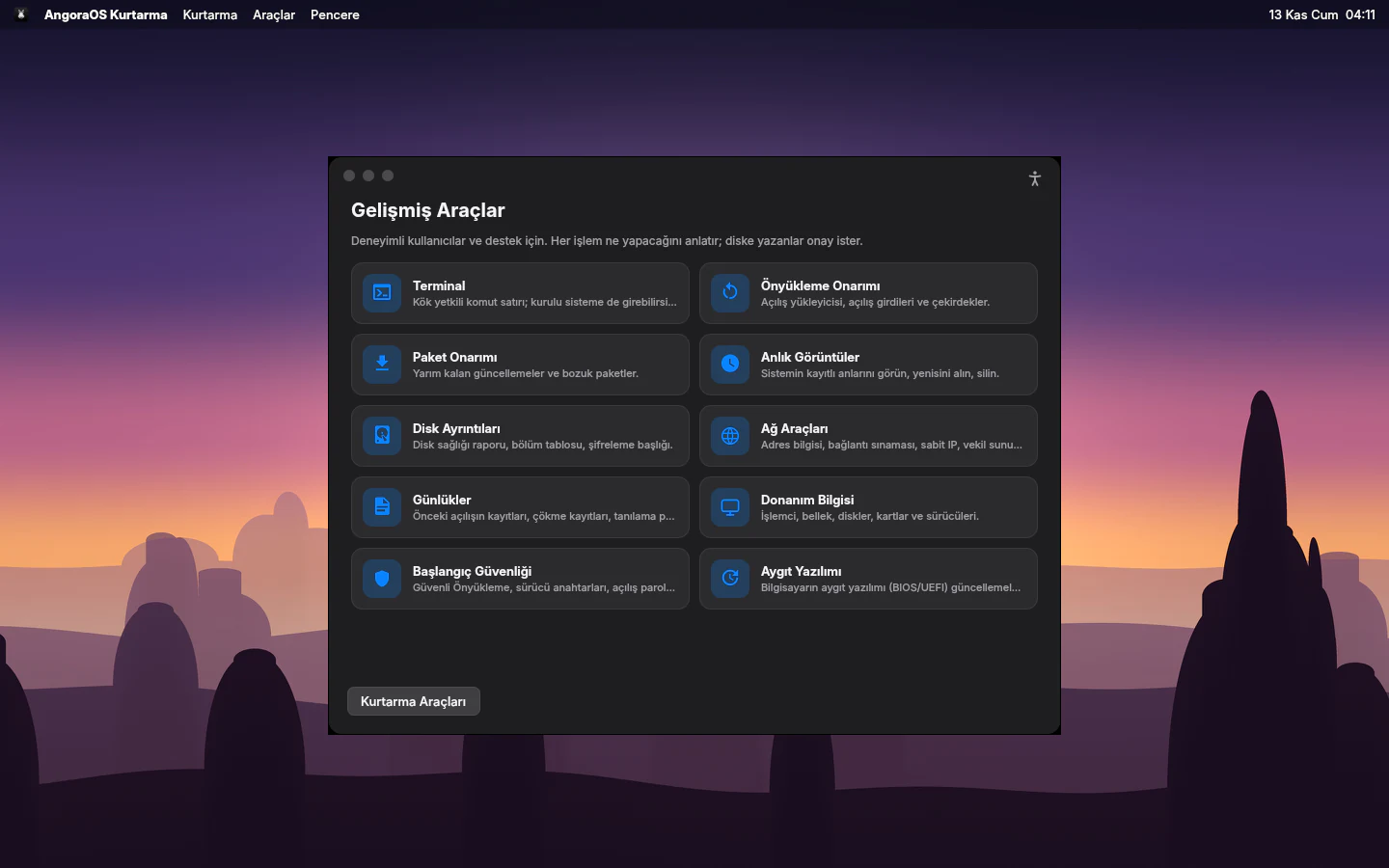
If the computer won’t start, AngoraOS Recovery can be downloaded from the internet and started, even without an install stick. From there you can roll the system back to before an update, reinstall it without touching your files, repair the disk or copy your files to a USB stick. Advanced Tools are there for experienced users.
05 / 11 · Crash screen
If something breaks,
a plain explanation.
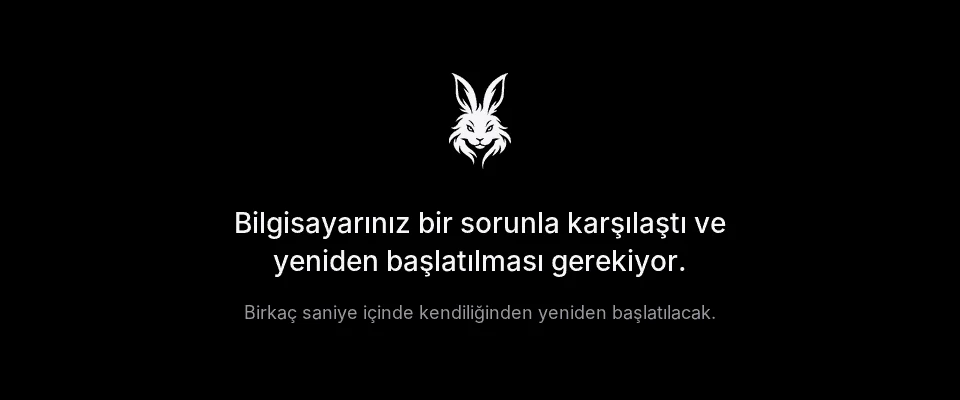
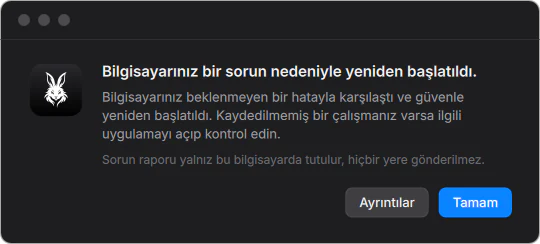
If the system stops on a serious error, the screen does not fill up with code; a plain screen explains what happened, and the computer restarts on its own a few seconds later. On the next start, a window explains what happened. The problem report stays on your computer.
06 / 11 · New icons
Refreshed
icons.
The AngoraOS app icons were redrawn: simpler, and equally sharp on light and dark desktops. The small symbols in System Settings are now AngoraOS’s own drawings too.

07 / 11 · Memoji
New hair and outfits
for Memoji.
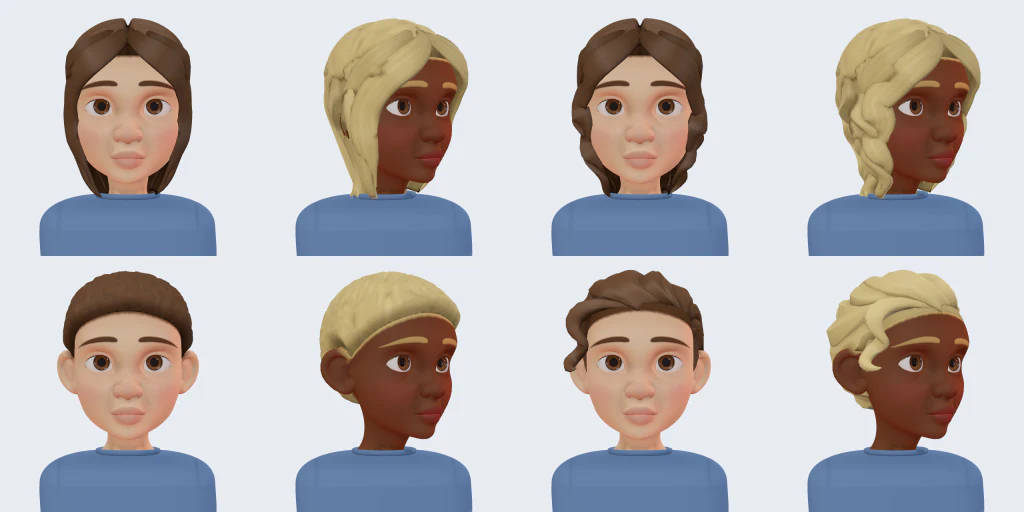
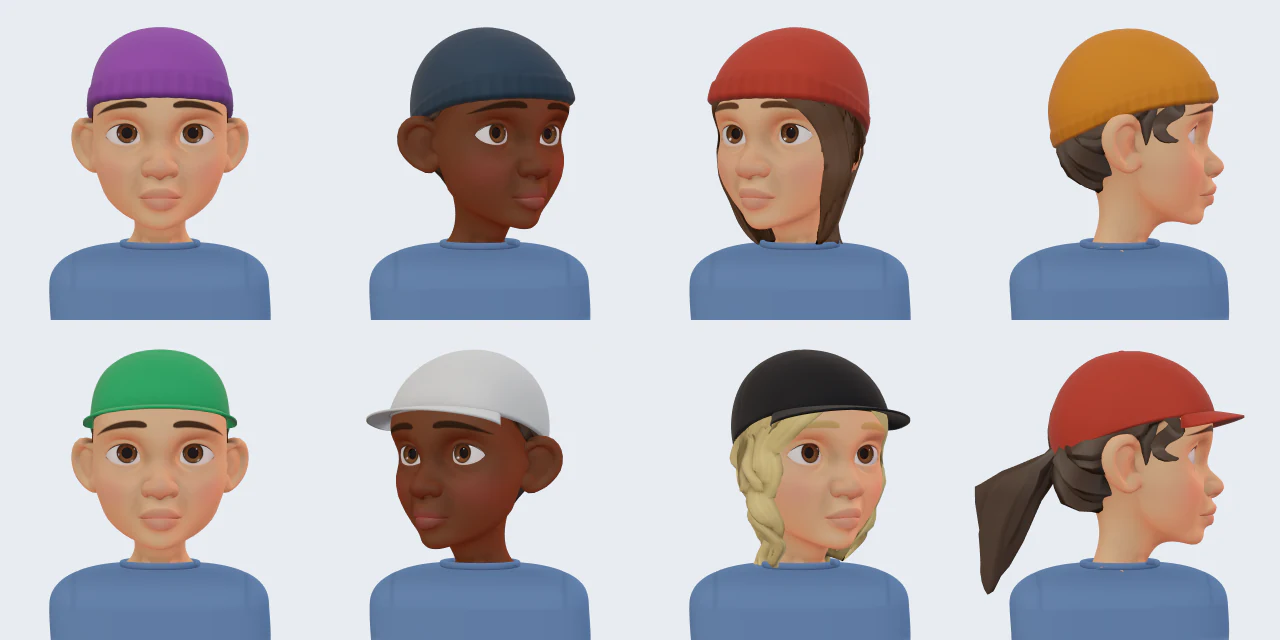
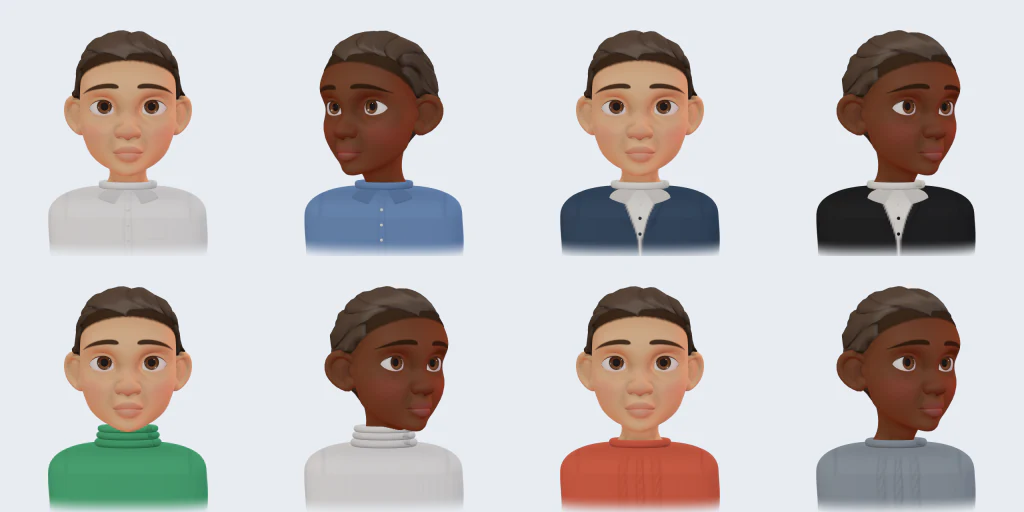
Memoji Studio gets new hairstyles, beanies and caps, and new outfits from jumpers and jackets to headscarves. They all work with every skin tone and hair colour.
08 / 11 · Dictation and Live Captions
Speak,
and it’s written.
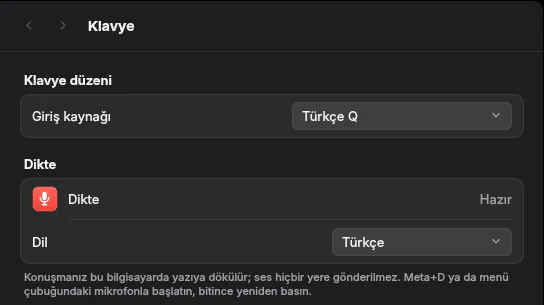
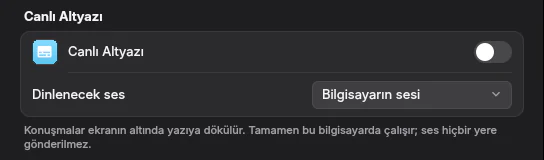
Press Meta + D and speak; your words are typed where you are writing, in Turkish. Live Captions turns speech playing on the computer into text at the bottom of the screen. Both run entirely on your computer; your voice is never sent anywhere.
09 / 11 · NitroDrop
Phone to computer,
one tap.
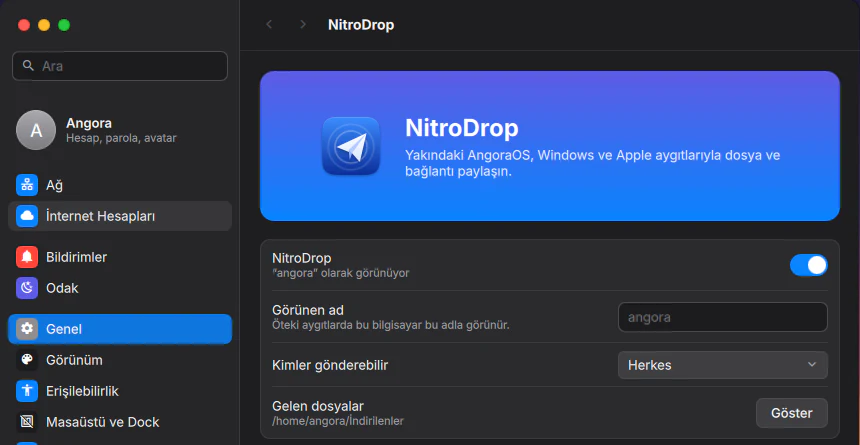
With NitroDrop you share files with nearby AngoraOS and Windows computers; sharing with iPhone is AirDrop-compatible. Every incoming file asks you first, and you choose who can send to you in Settings.
10 / 11 · Privacy
Default:
off.
Analytics and Improvements and Location Services are off by default. If you turn analytics on, only crash, app-compatibility and hardware reports are sent, and you can see each report before it goes. Your location is never sent to us. Details are on the privacy page.

And more.
WhatsApp desktop app
WhatsApp comes with the system: it opens in its own window and shows notifications and the unread count in the Dock. You only need to link it to your phone once.
AngoraOS update repository
AngoraOS’s own components are now updated from a signed package repository. New features and fixes arrive as updates, without reinstalling the system.