
Version 0.6.1 · Mark6 · betaKernel 7.3.3-angora-mark113 November 2026
A fresh start
for your
computer.
AngoraOS is a free, open-source operating system with its own desktop, its own apps and its own kernel. Coming from Windows or macOS? You’ll feel right at home.
Real screenshot · AngoraOS 0.3Wallpaper: Boğaz
An operating system that’s ready the moment you switch it on. Linux’s solidity underneath, and on top, a calm desktop that never expects you to know the jargon.
- Version
- 0.6.1 “Mark6” Beta · 13 November 2026
- Desktop
- Angora Shell Our own interface
- Kernel
- Mark1 Linux 7.3.3-angora-mark1
- Base
- Debian 13 (trixie)
- Price
- Free Open source
- Made by
- NitroByte Türkiye
Familiar.
But yours.
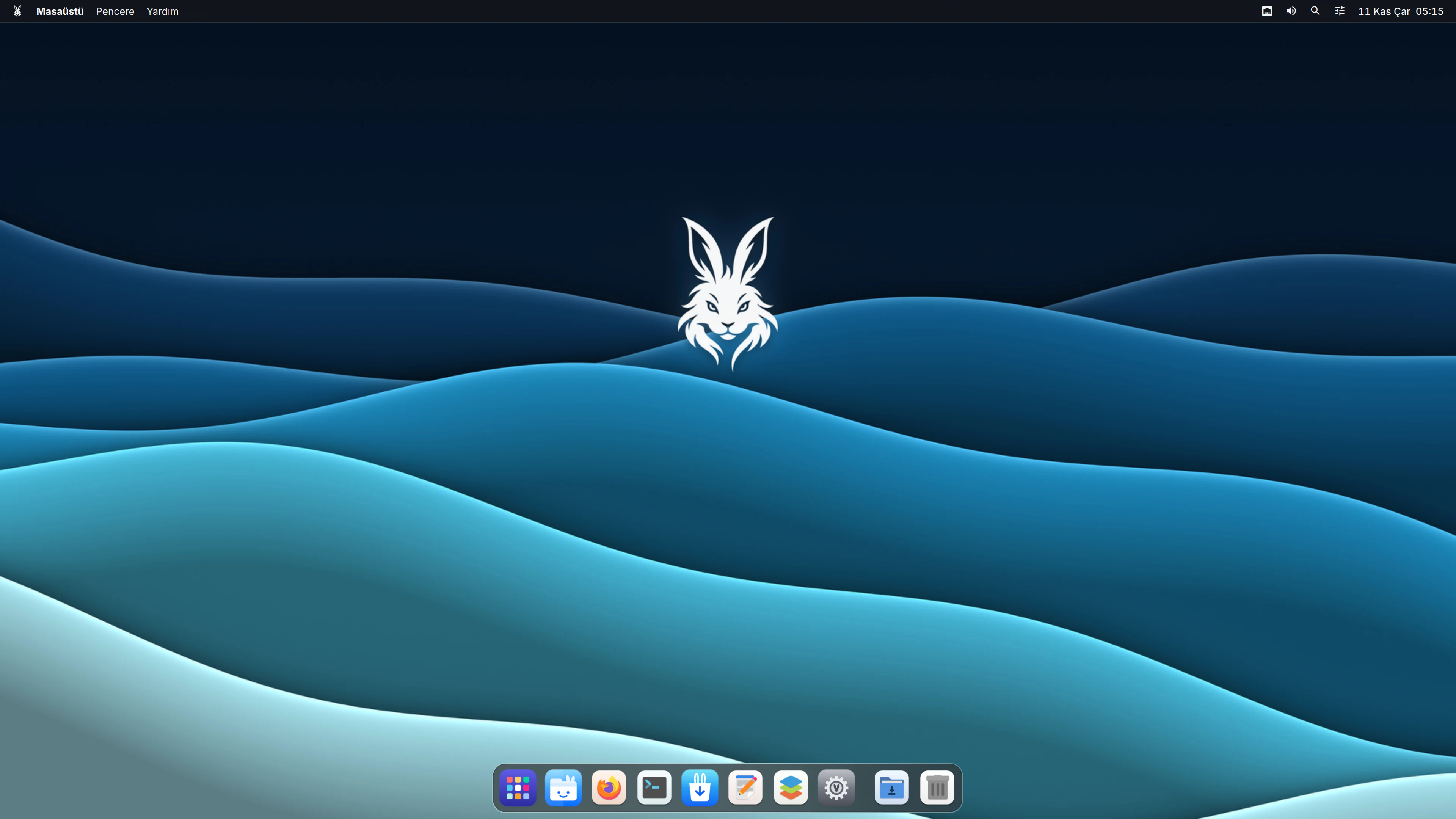
Menu bar on top, Dock below. Whatever you open, everything is right where you expect it.
01 / 04 · Desktop
Everything in its place.
The active app’s menu always sits at the top, your favourites in the Dock. Window buttons on the left.
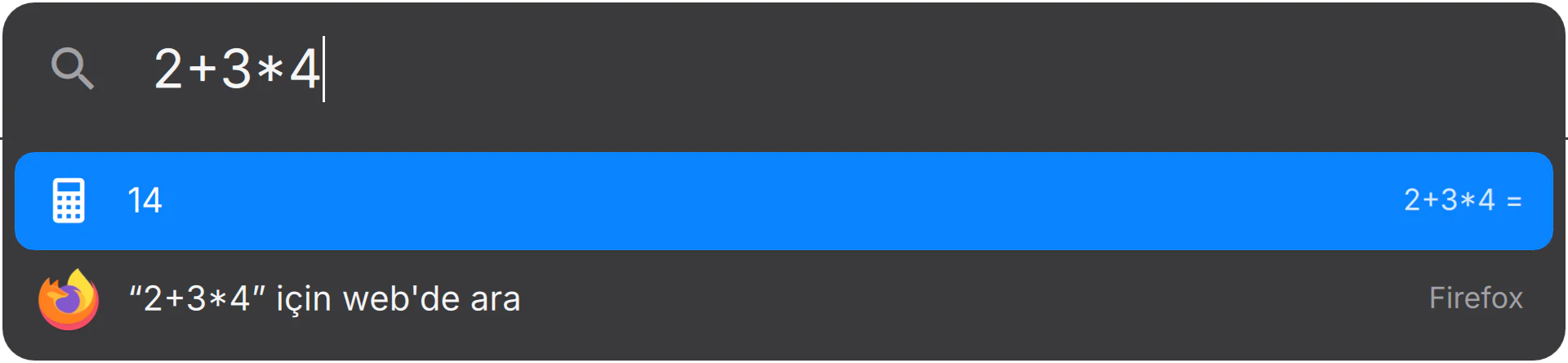
02 / 04 · Desktop
Just start typing.
Open an app, work out a sum or search the web. Open search and type.
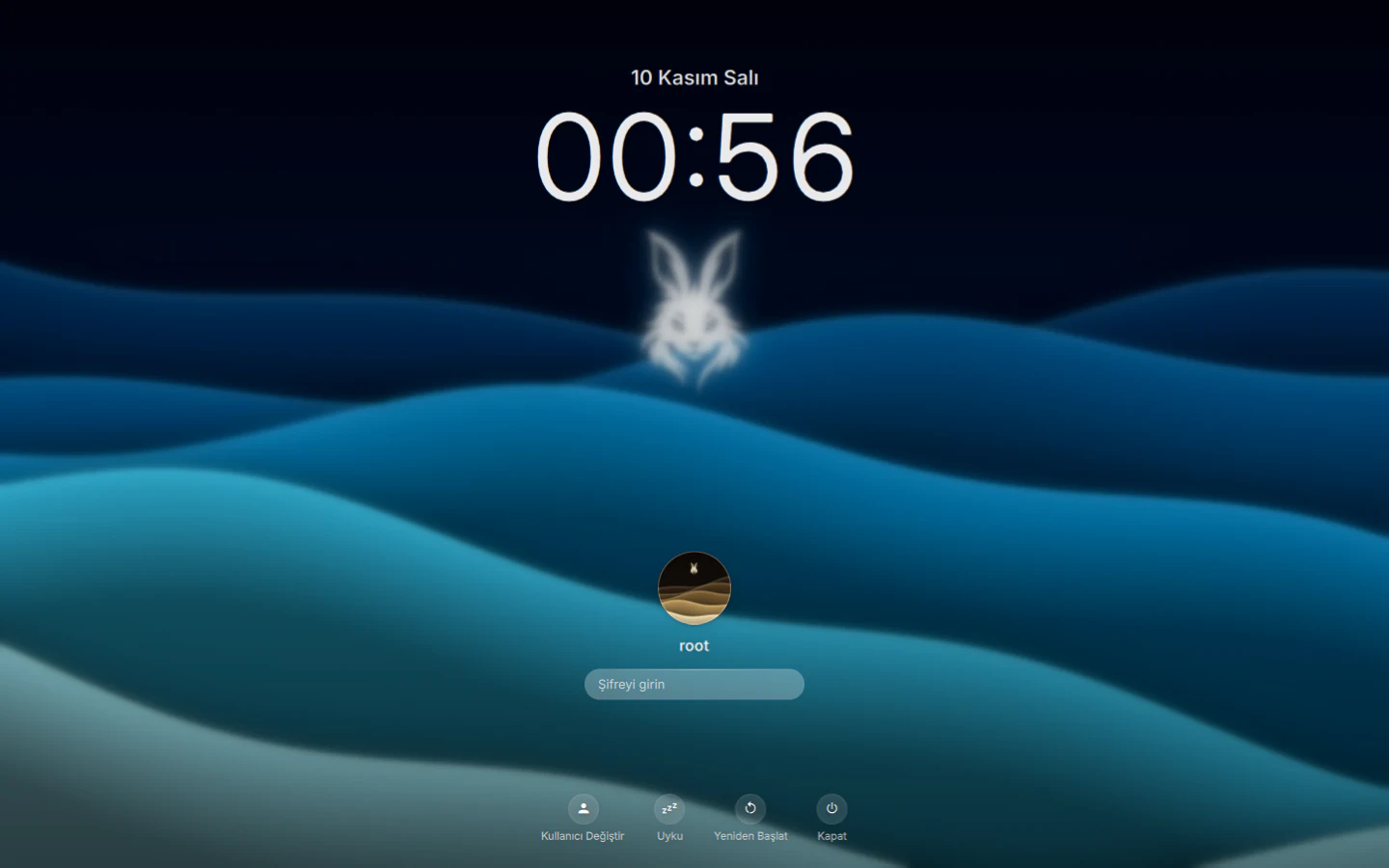
03 / 04 · Desktop
A calm welcome.
The date, the time and your account. Unlock with your fingerprint or your password.
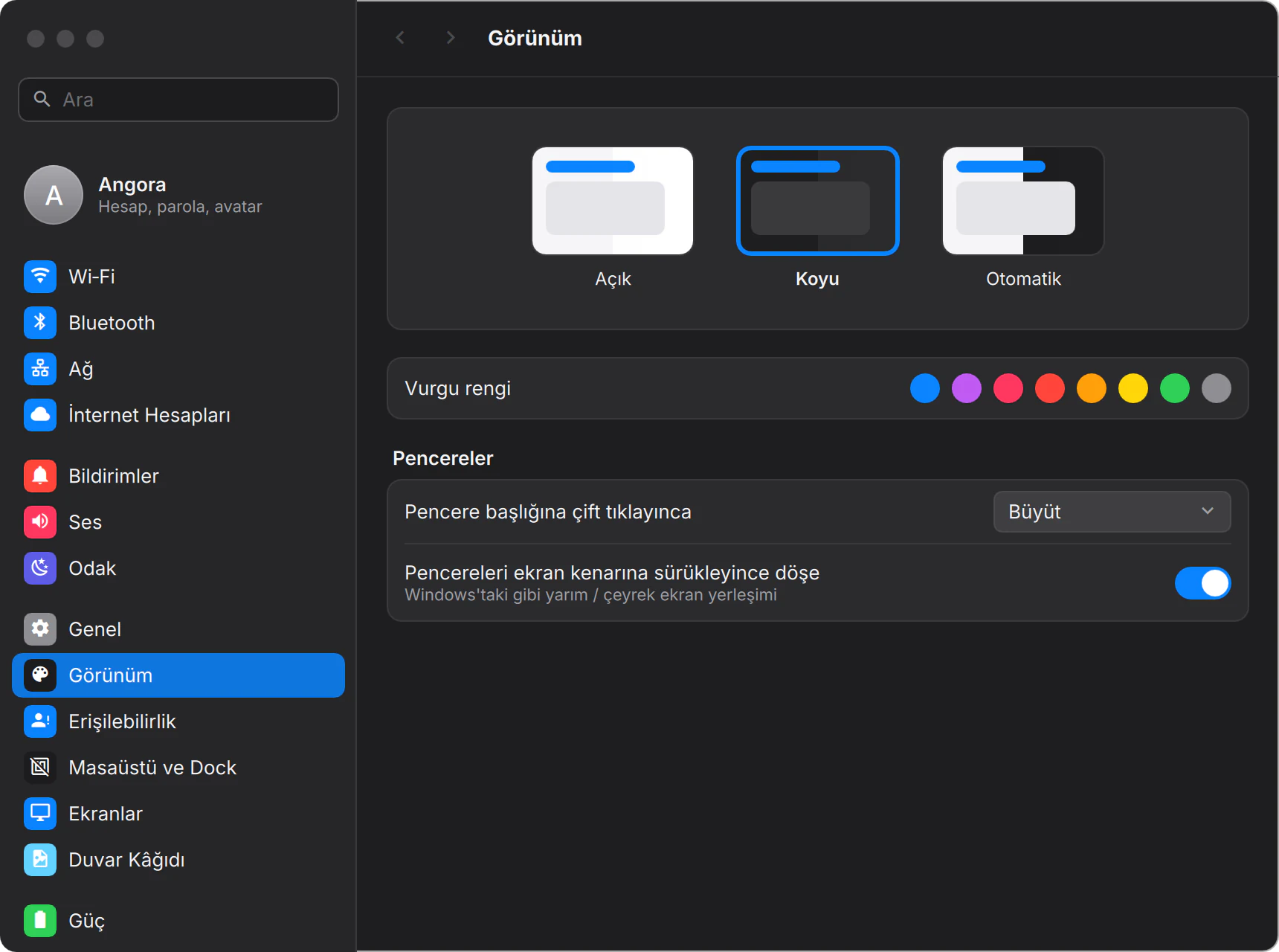
04 / 04 · Desktop
Make it yours.
Light, dark or automatic, plus eight accent colours. Pick one and the whole system follows.
Up close


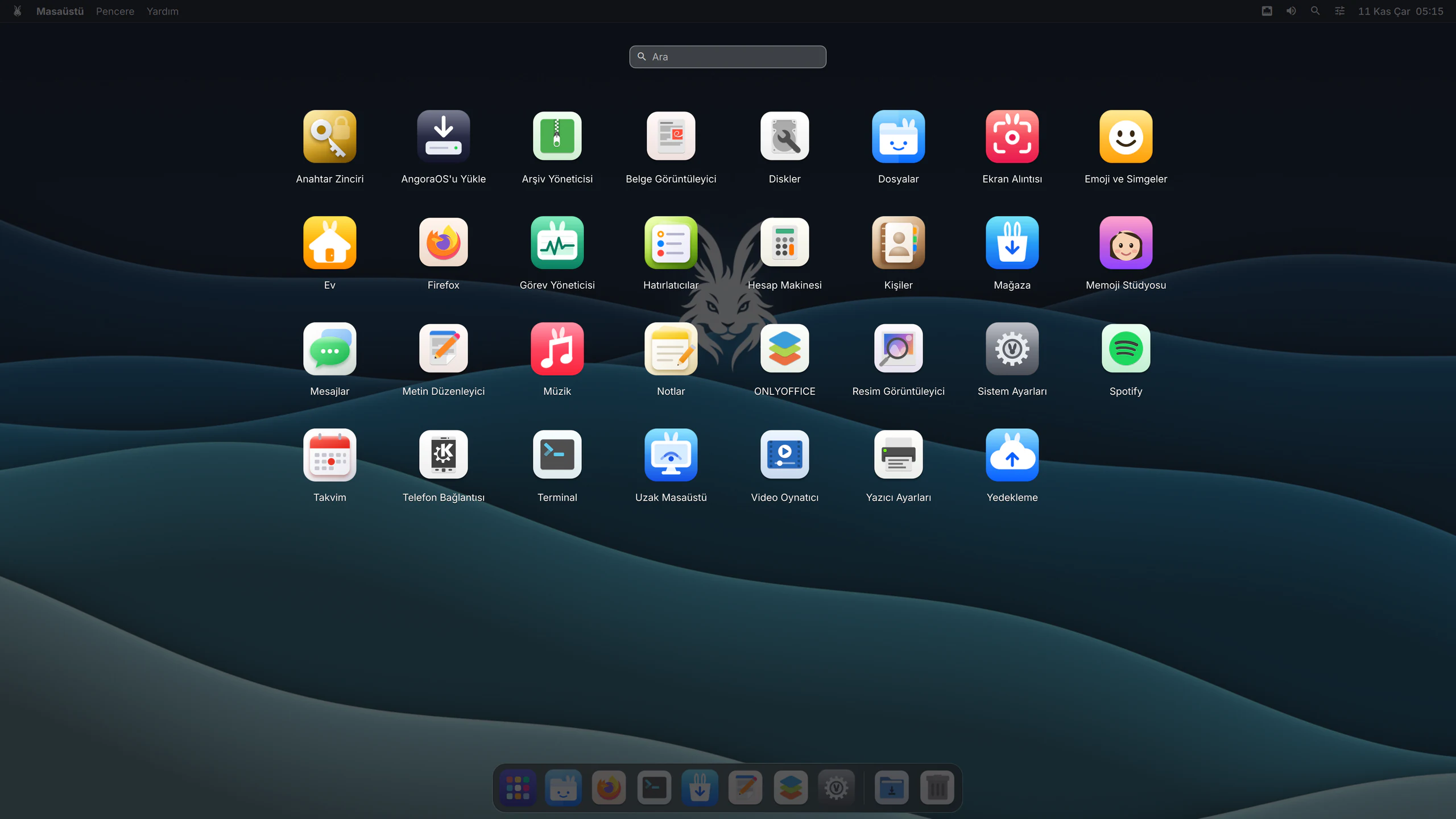
Launchpad
Press the Windows (Meta) key and every app appears in a full-screen grid.
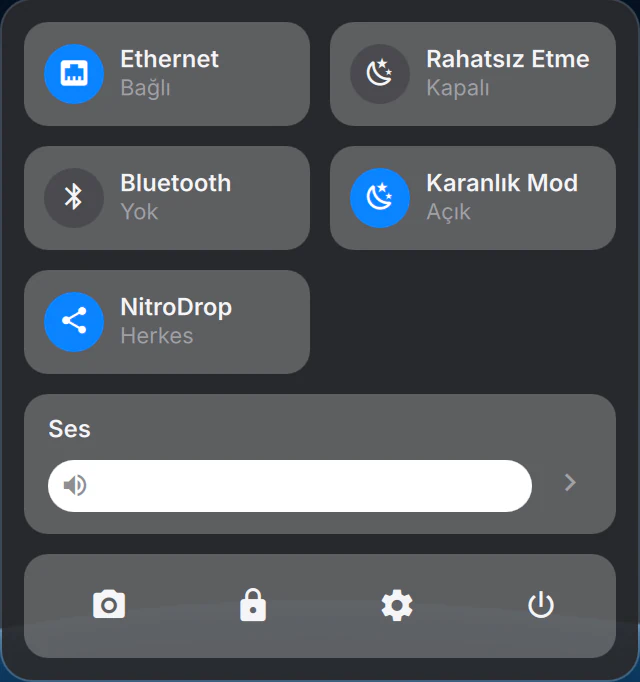
Control Centre
Wi‑Fi, Bluetooth, sound, Do Not Disturb and Dark Mode in one panel.
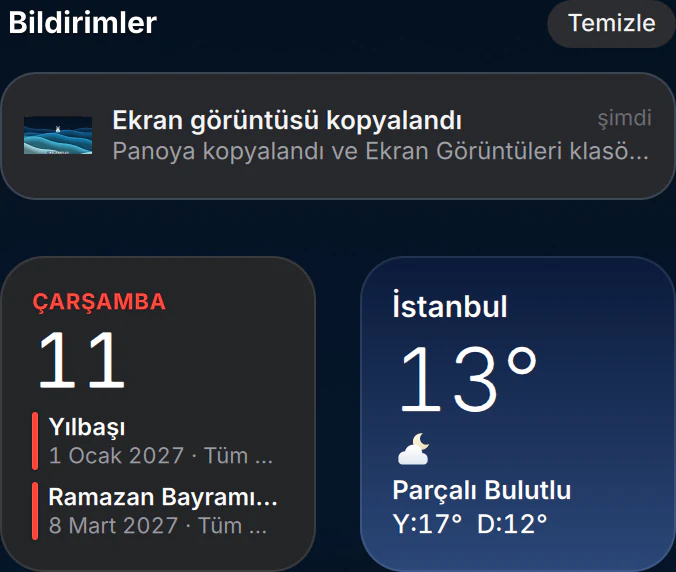
Notification Centre
Notifications and widgets at the edge of the screen, whenever you want them.
Windows
Drag to an edge to snap to a half or a quarter. Ctrl+↑ shows every window; Meta+Tab switches apps.
At a glance.
Weather, calendar, exchange rates, prayer times. Put them on the desktop or in Notification Centre, and they follow light and dark mode on their own.
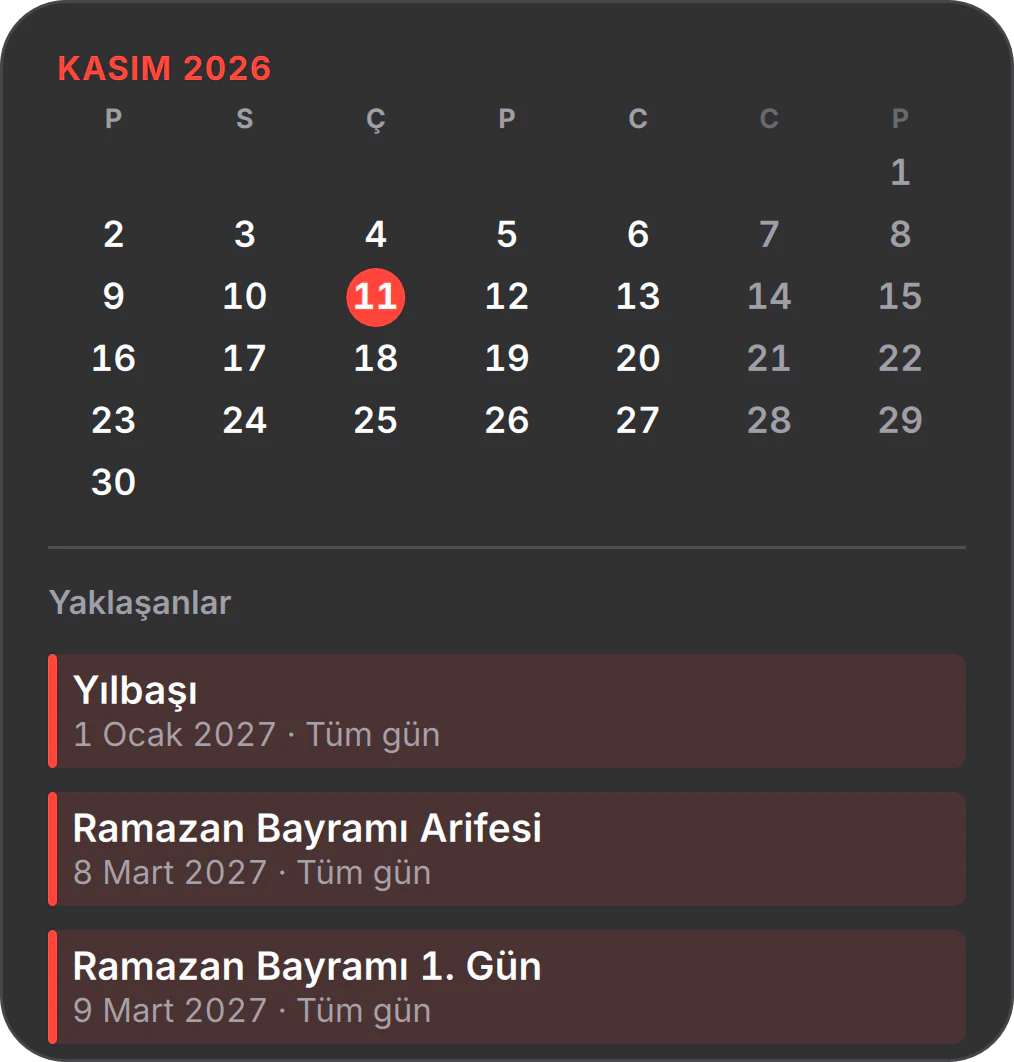
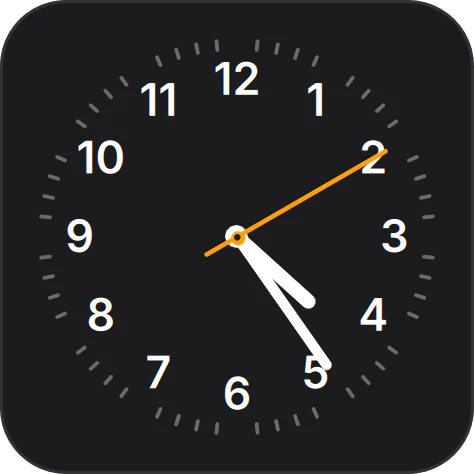
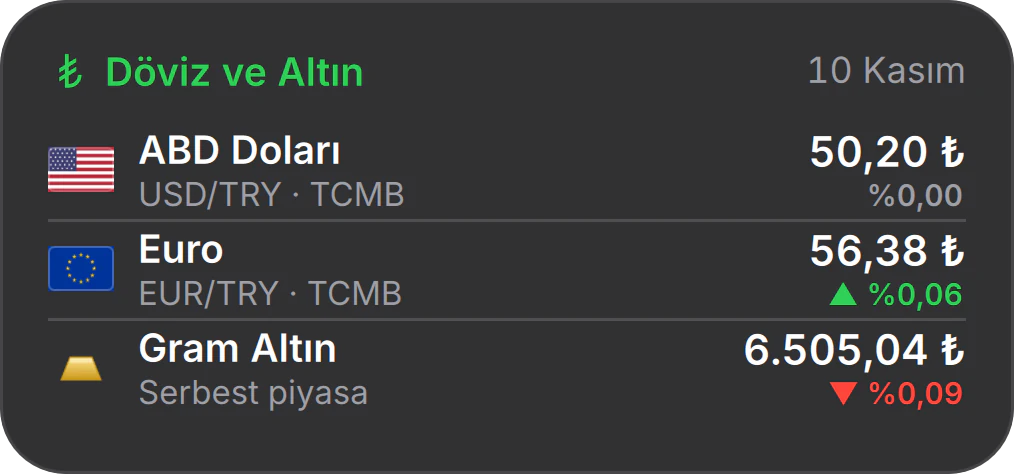
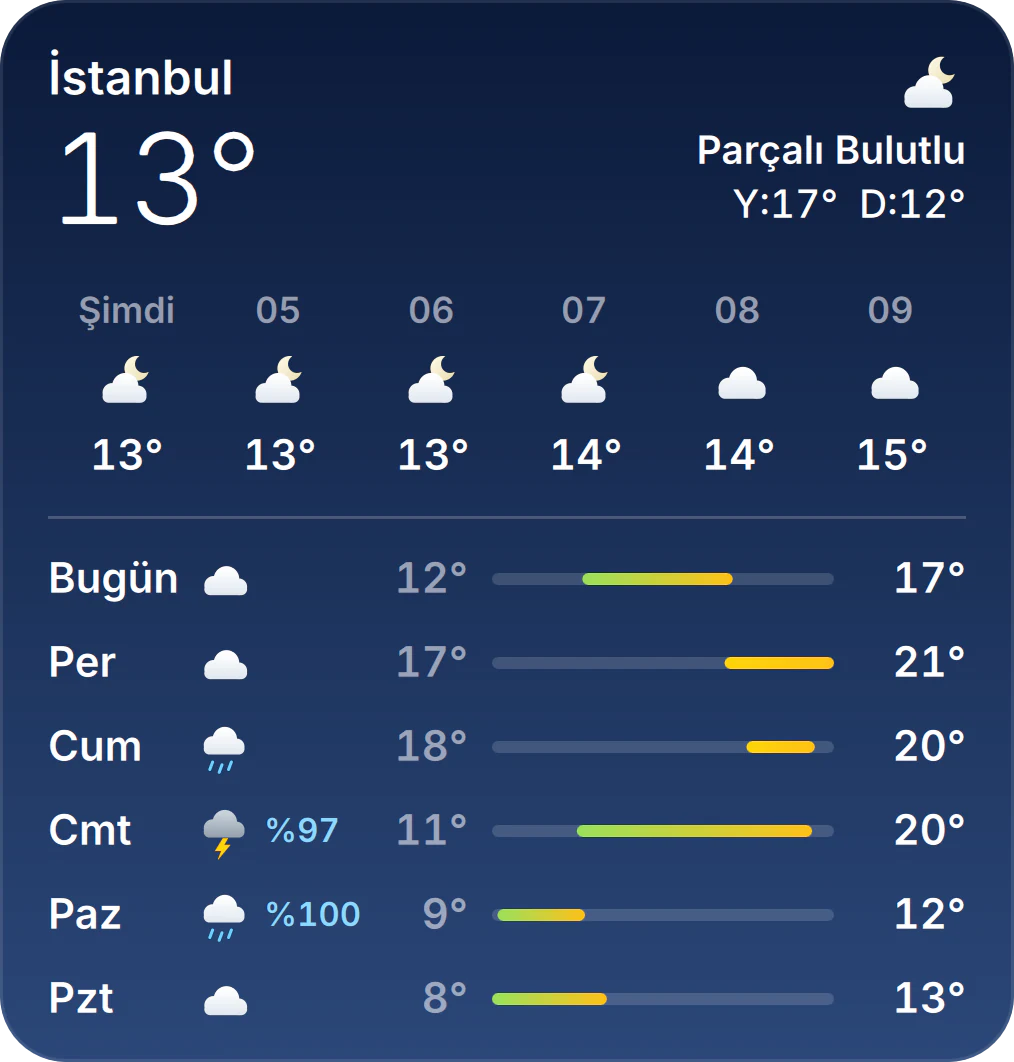
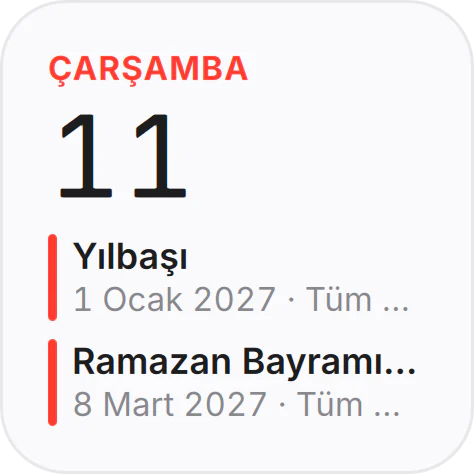
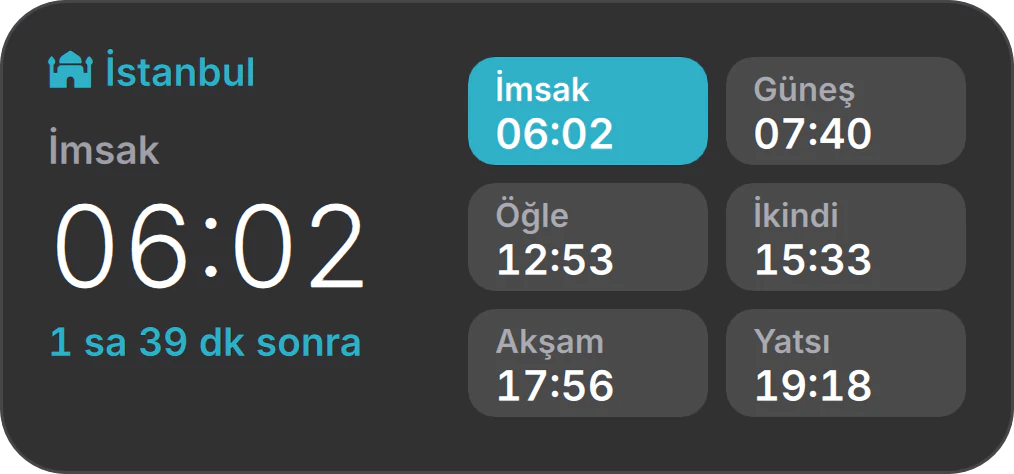
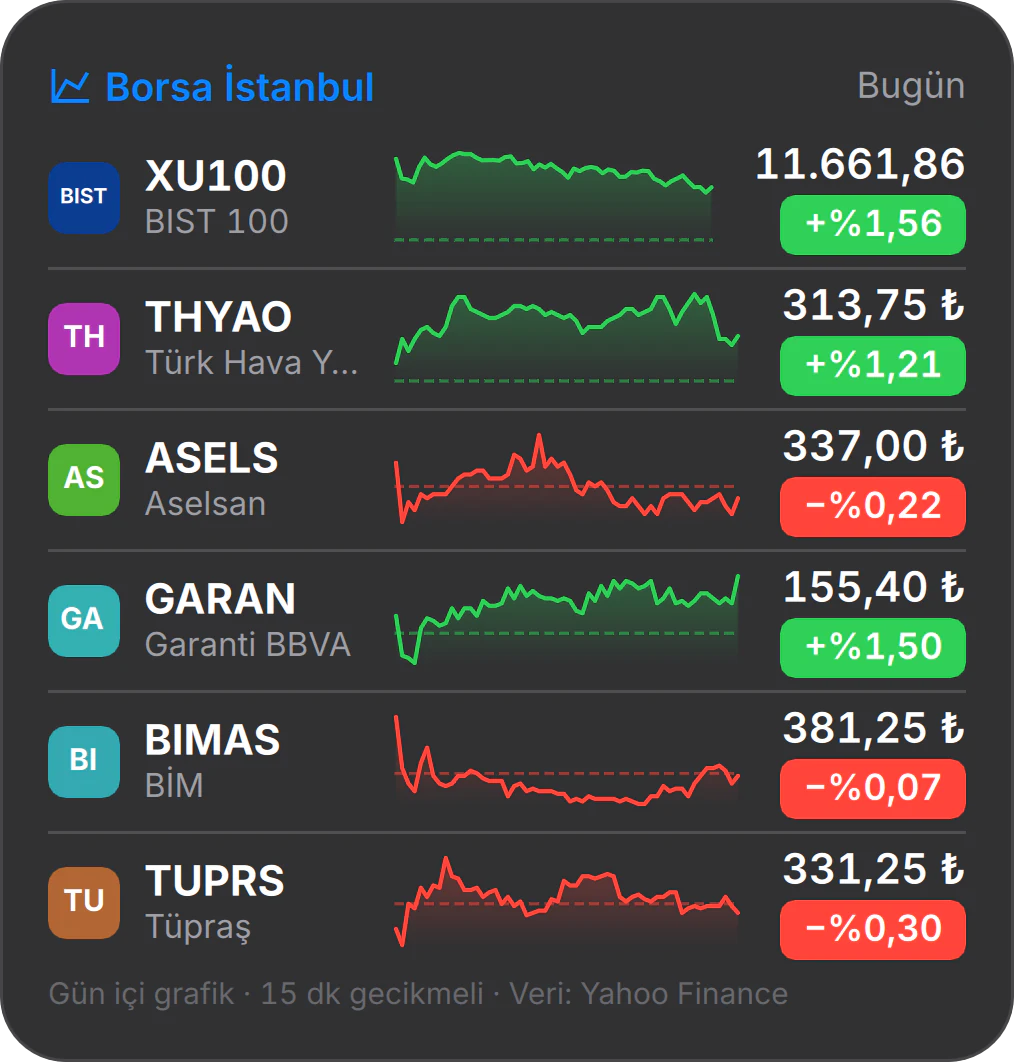
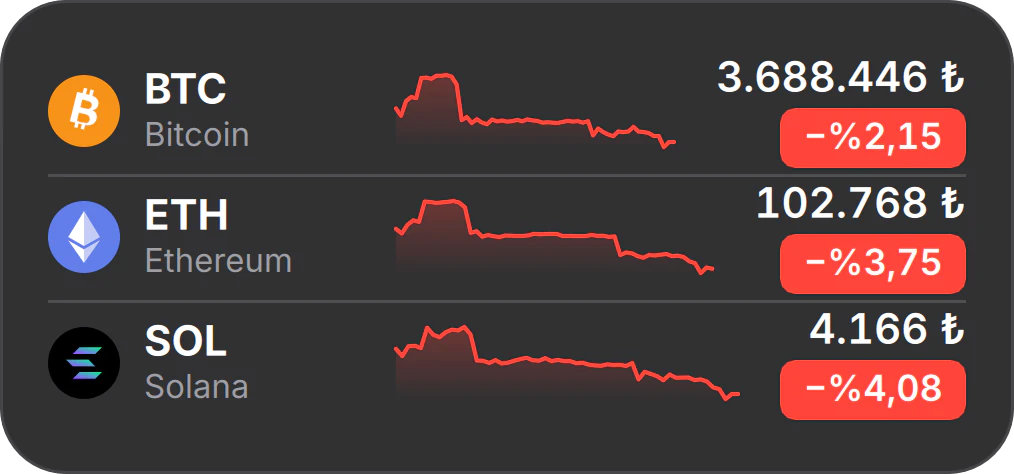
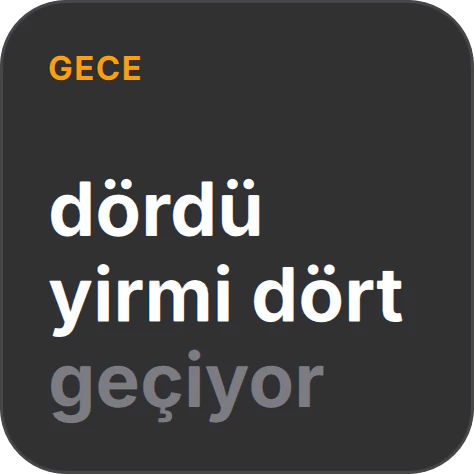
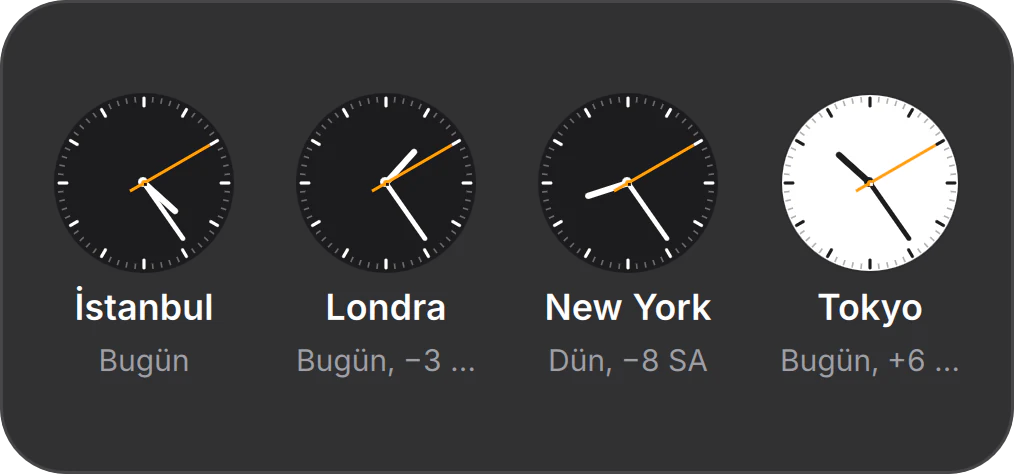
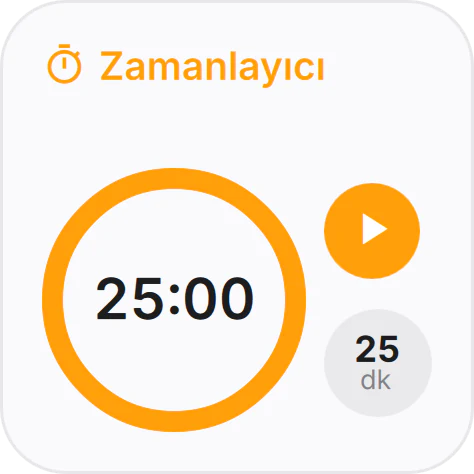
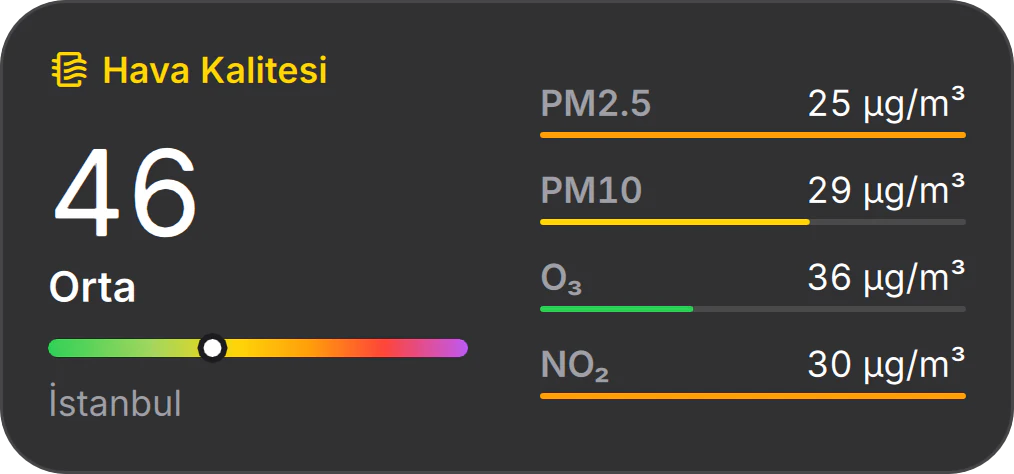
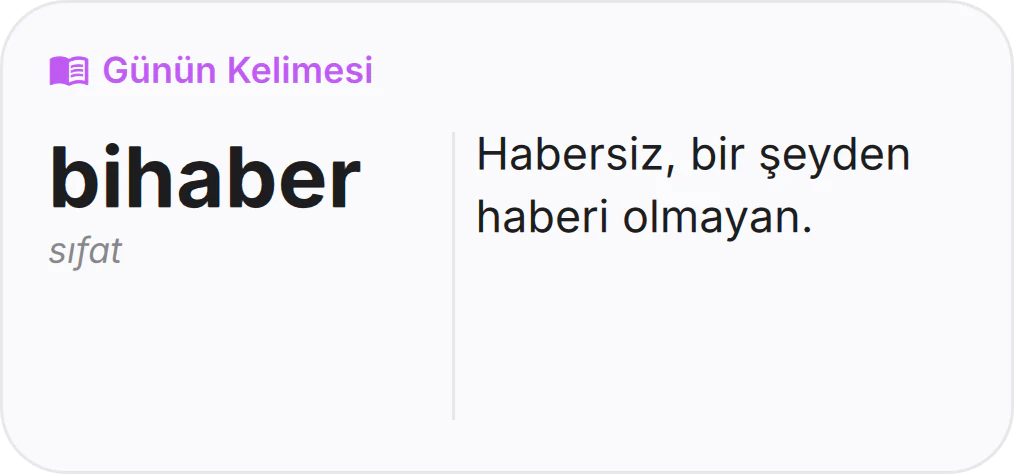
32 built-in widgets, all of them
- Clock
- Digital Clock
- Clock in Words
- World Clocks
- Calendar
- Reminders
- Notes
- Weather
- Air Quality
- Sunrise and Sunset
- Moon Phase
- Prayer Times
- Currency and Gold
- Borsa İstanbul
- Crypto
- Now Playing
- Photos
- Photo Frame
- System Monitor
- Batteries
- Storage
- Network
- Backup
- Recent Files
- Clipboard History
- App Shortcuts
- Timer
- Stopwatch
- Countdown
- Quote of the Day
- Word of the Day
- Home
Ready on
day one.
The apps you need every day ship with the system, and they all speak the same language. Firefox, ONLYOFFICE and Spotify come preinstalled too.
01 / 02 · Apps
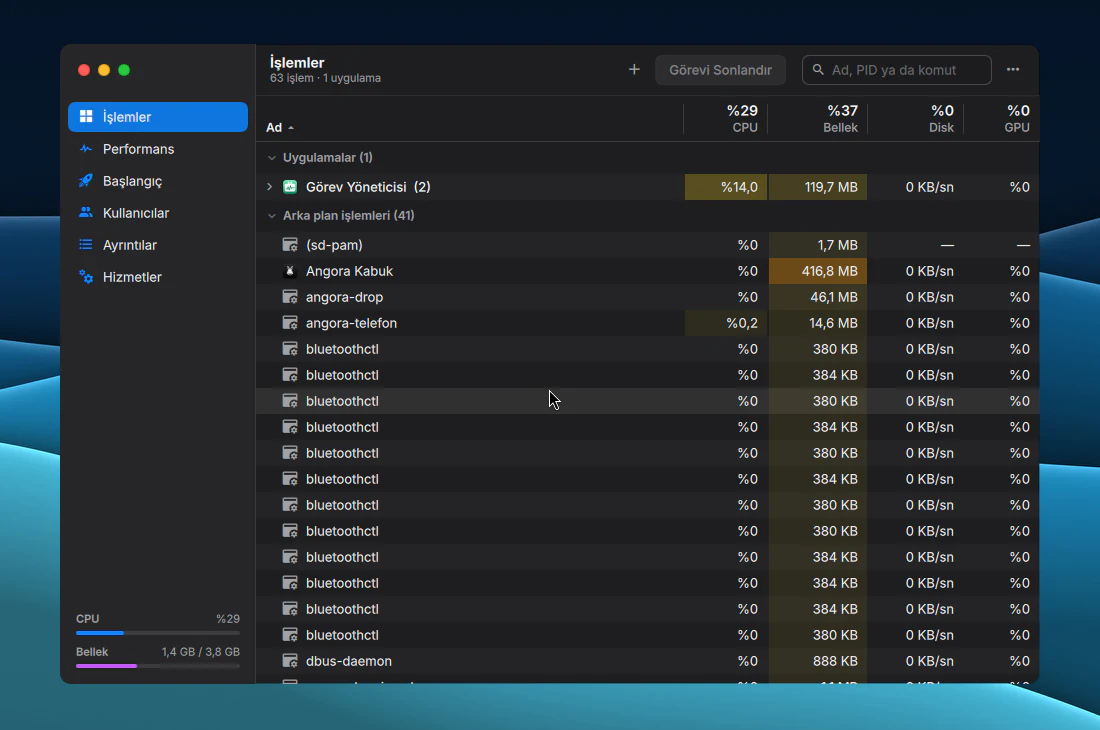
See what your computer is up to.
Task Manager puts processes, performance, startup apps and services in one window.
02 / 02 · Apps
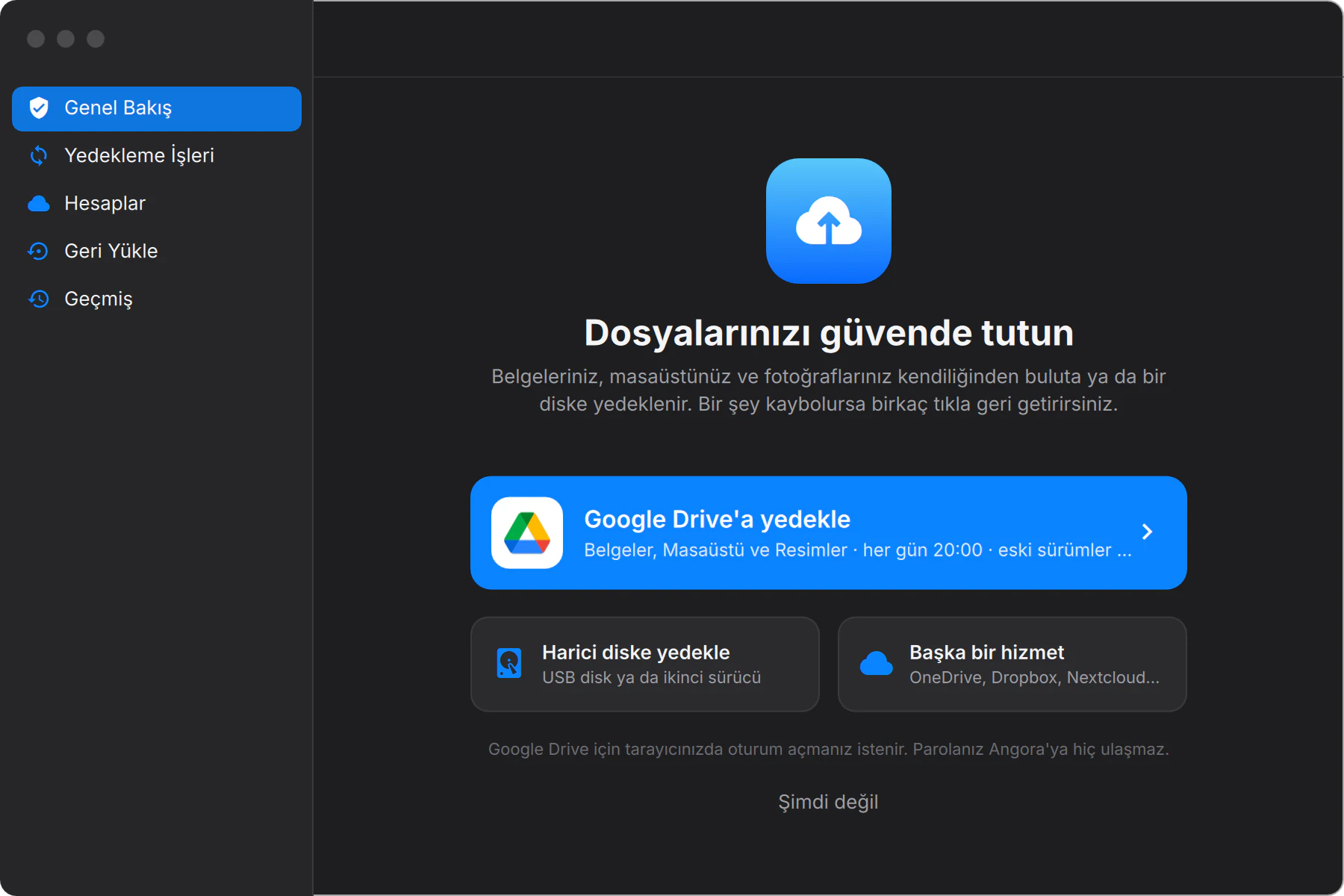
Backups that look after themselves.
To Google Drive, OneDrive, Dropbox, Nextcloud or an external disk, on a schedule.
17 apps of our own, all of them
- FilesYour folders, connected drives and your phone, all in one window.
- System SettingsOne searchable window with a sidebar, from Wi‑Fi to fingerprints.
- StoreFind apps, install them in one click, keep them up to date.
- MusicYour own library, in MP3, FLAC, Opus and more.
- MessagesMatrix chats and your phone’s texts in a single list.
- ContactsAn address book that syncs with iCloud, Google and Nextcloud.
- CalendarMonth, week and year views for your iCloud, Google and Nextcloud calendars.
- RemindersTo-dos that nudge you on time, even with the app closed.
- NotesFormatted notes that sync with iCloud, Fastmail or Nextcloud.
- KeychainPasswords, verification codes and Wi‑Fi keys, unlocked by fingerprint or password.
- BackupScheduled backups to Google Drive, OneDrive, Dropbox, Nextcloud or an external disk.
- Task ManagerProcesses, performance, startup apps and services.
- ScreenshotCapture an area, a window or the whole screen, or record it. Shortcut: Meta+Shift+S.
- Remote DesktopReach other computers over RDP, VNC and SSH.
- HomeConnects to your own Home Assistant: lights, climate, locks, cameras.
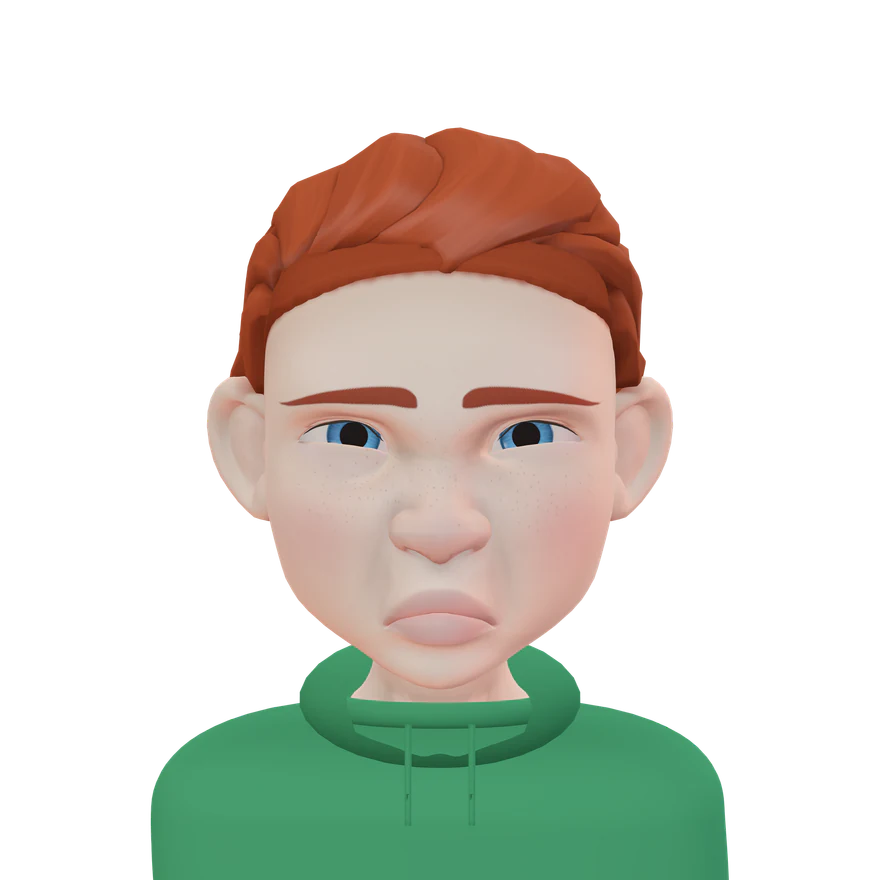
- Memoji StudioBuild your own 3D avatar and make it your profile picture.
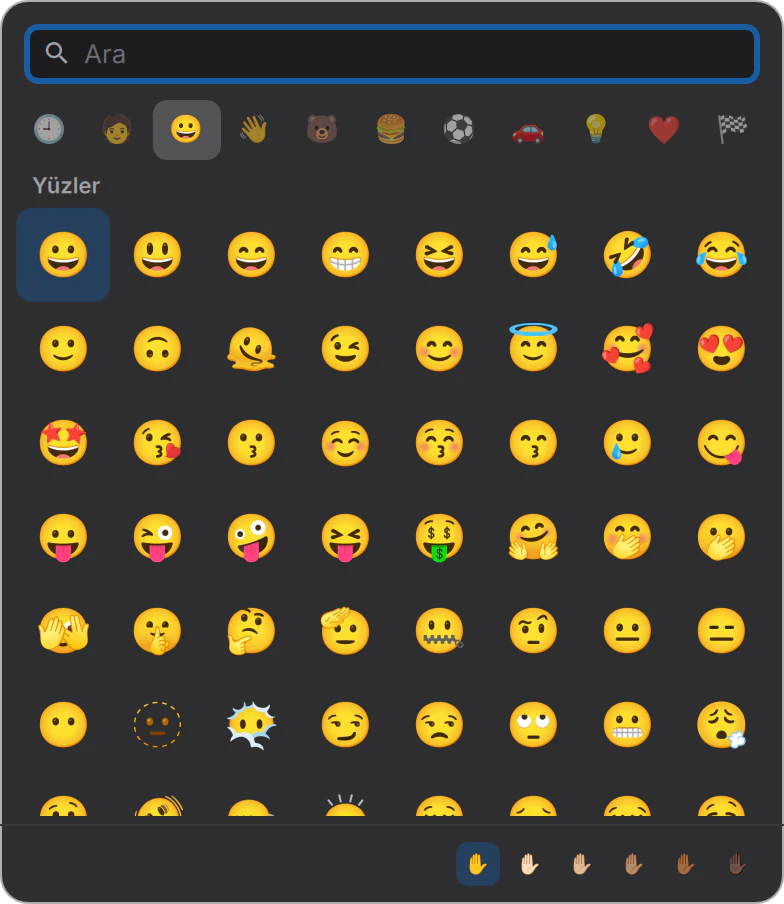
- Emoji and SymbolsAn emoji picker on a shortcut: Ctrl+Meta+Space.
You,
in 3D.
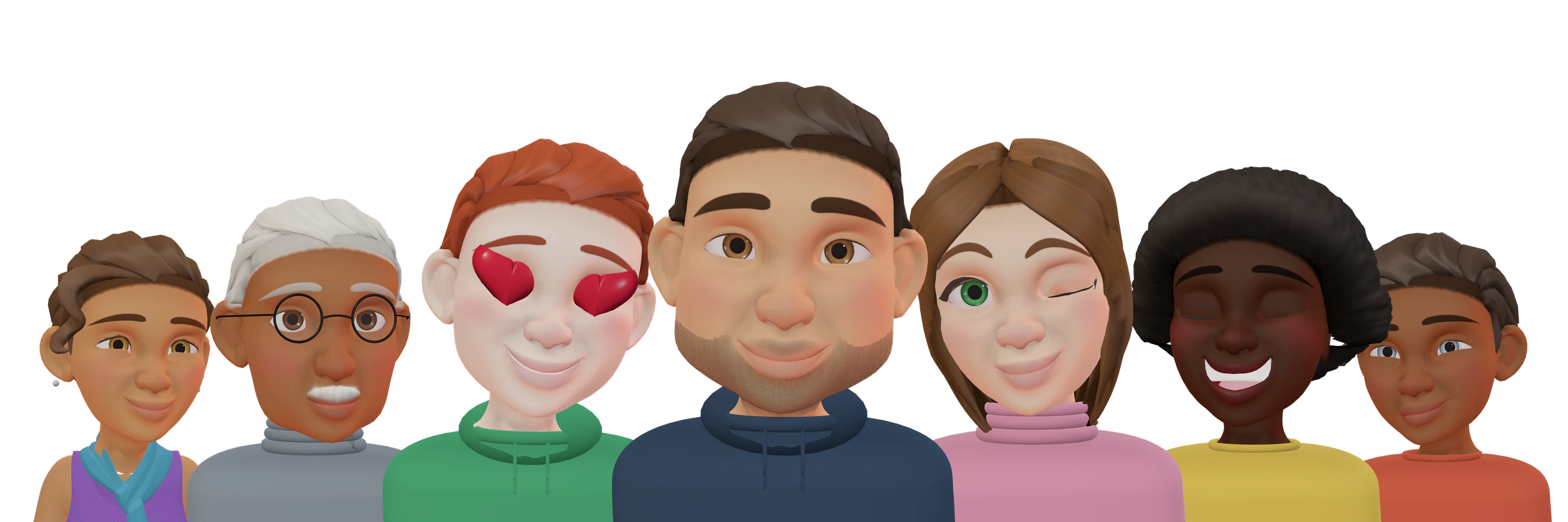
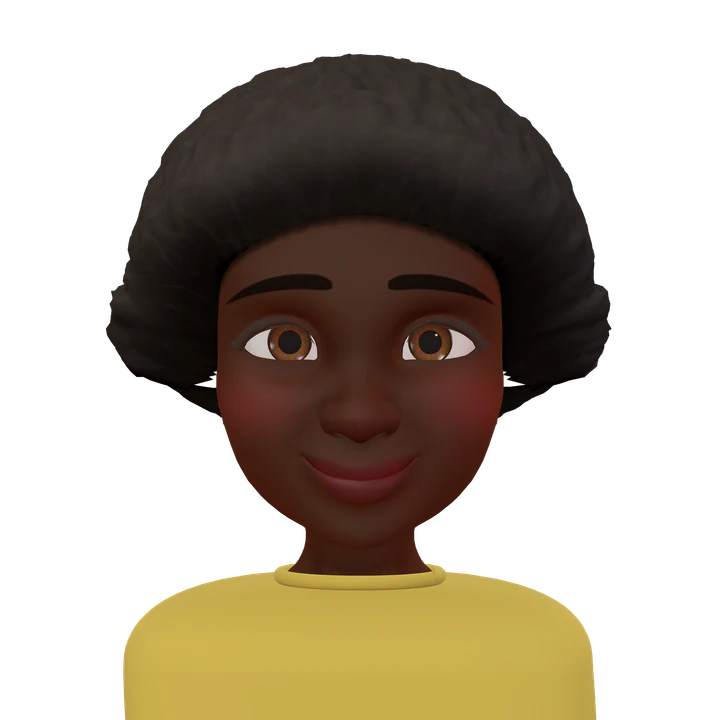
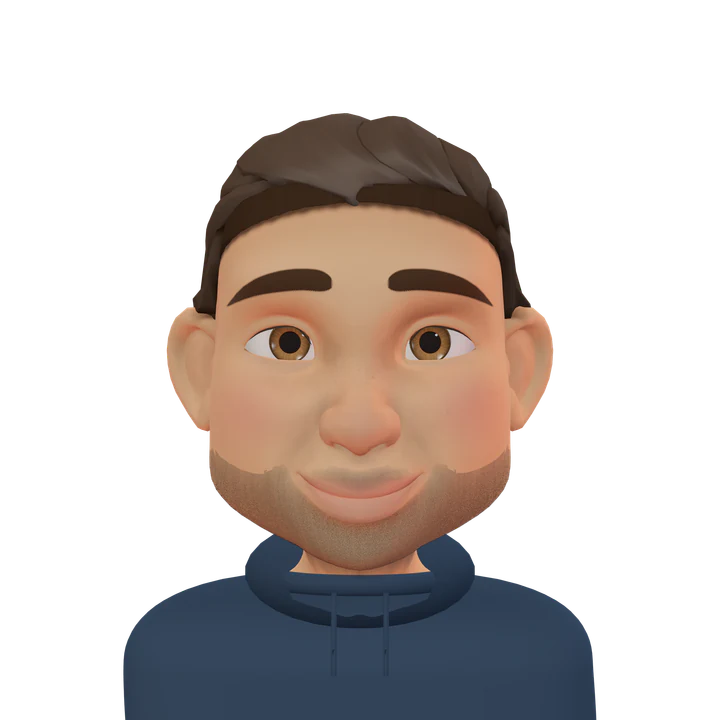
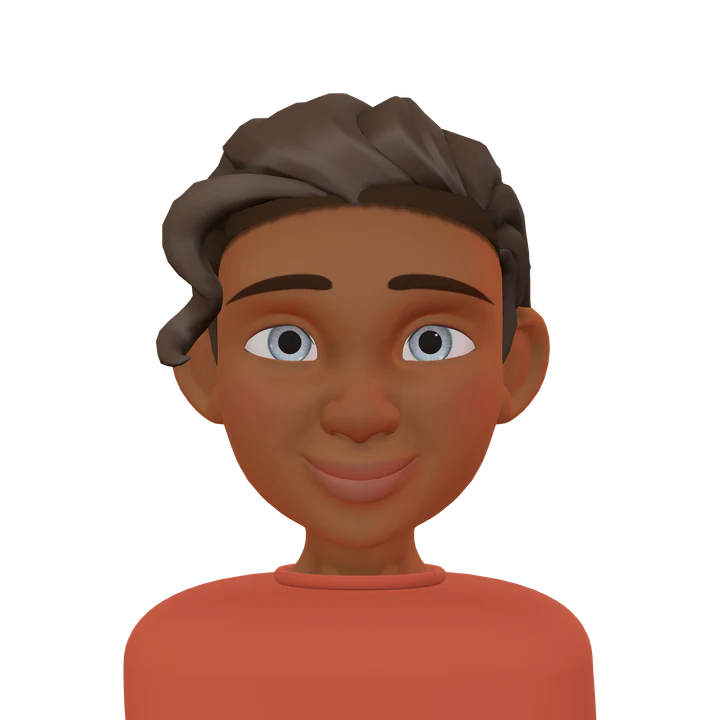
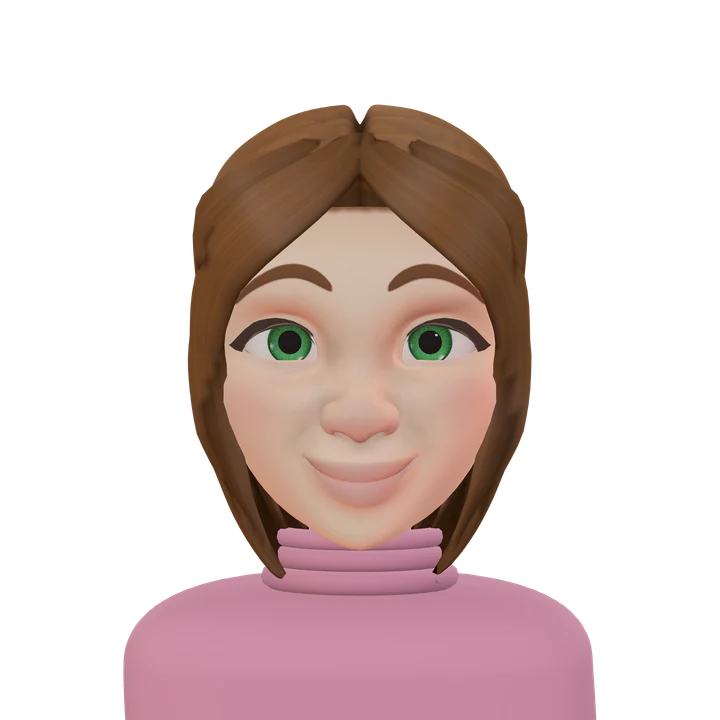
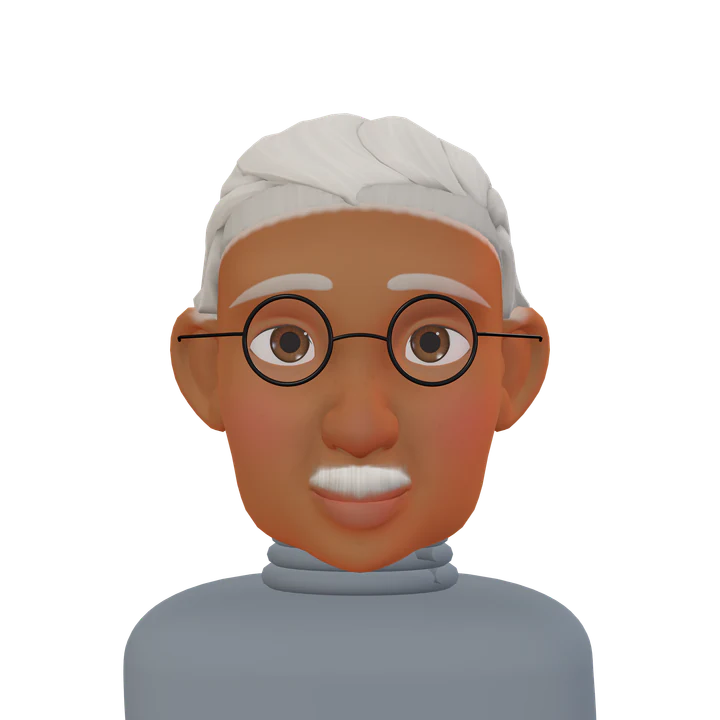
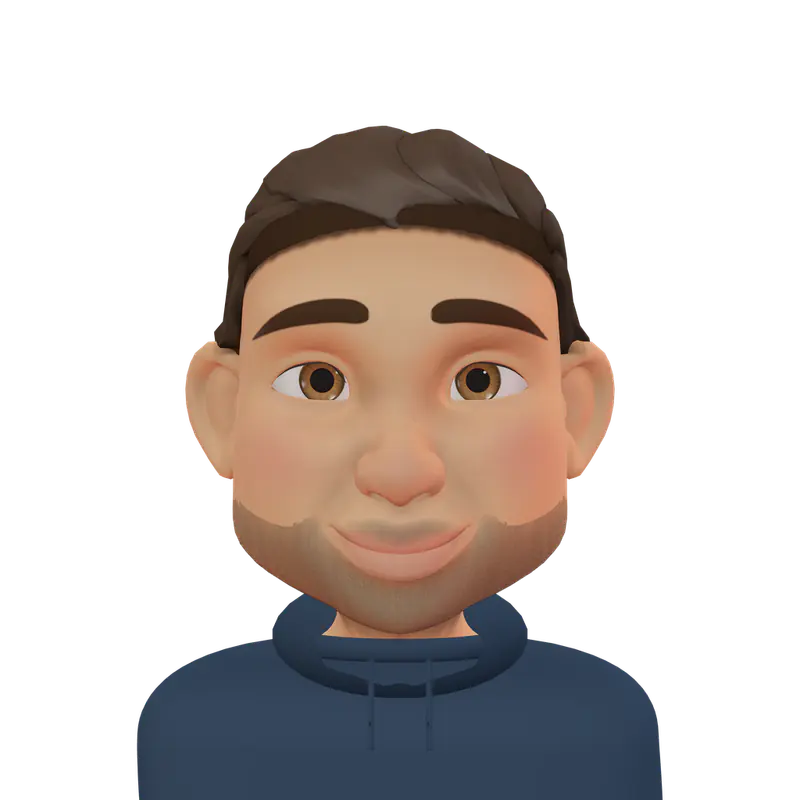
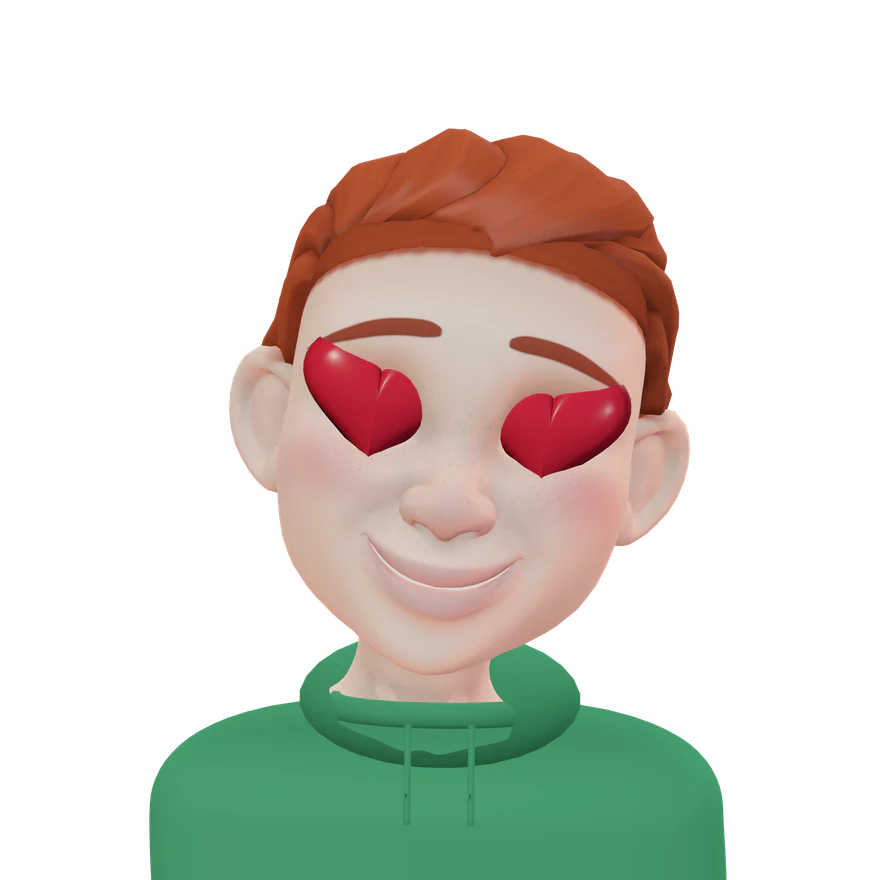
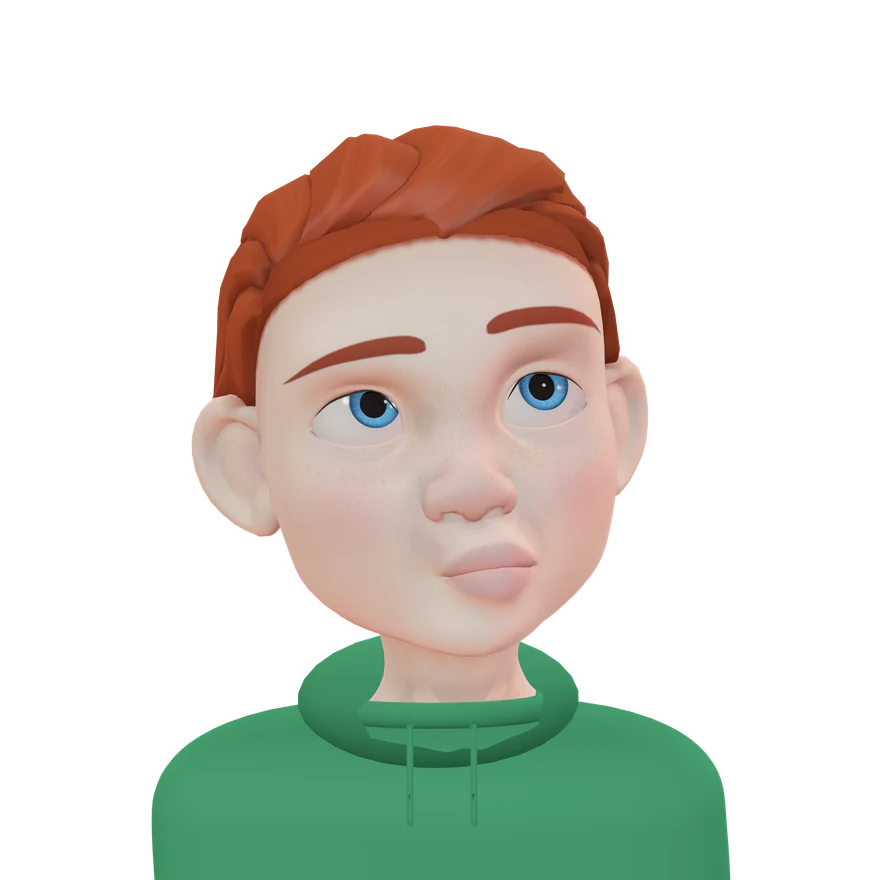
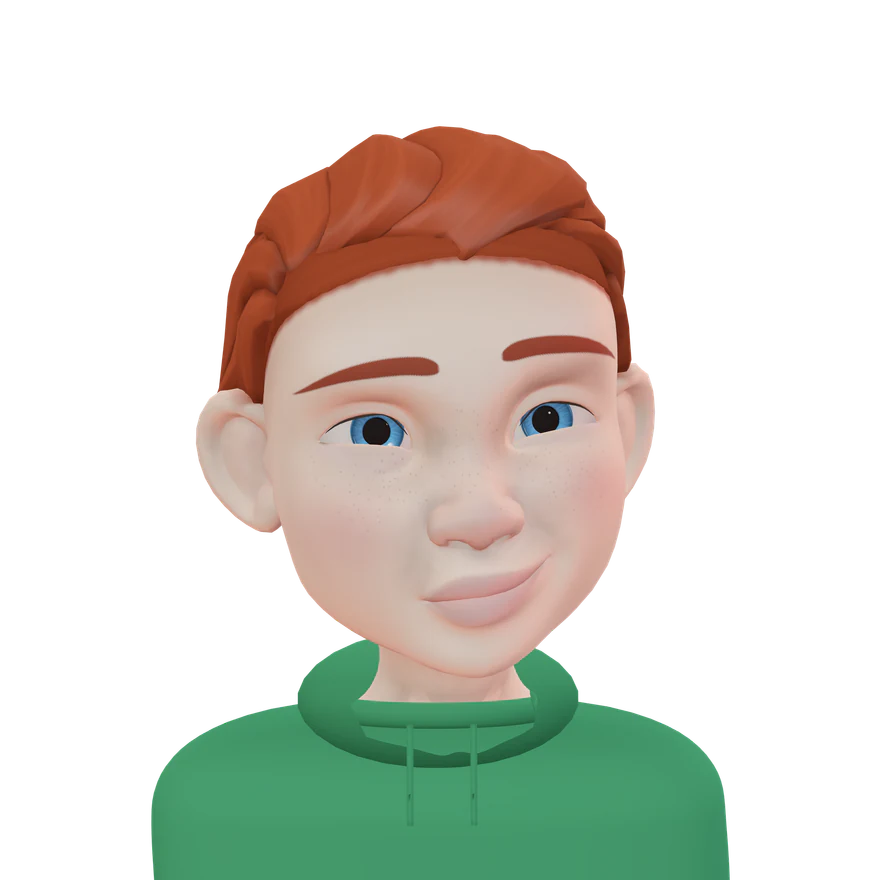
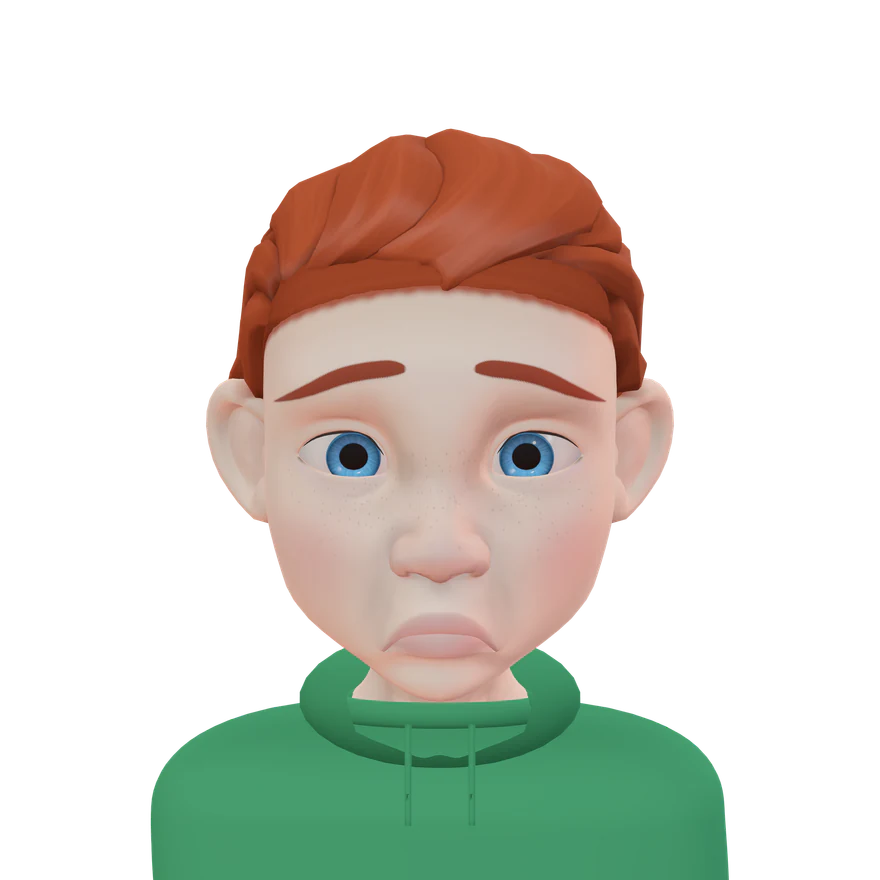
Build your own 3D avatar in Memoji Studio. Skin, hair, beard, glasses and accessories are up to you. Then make it your profile picture.
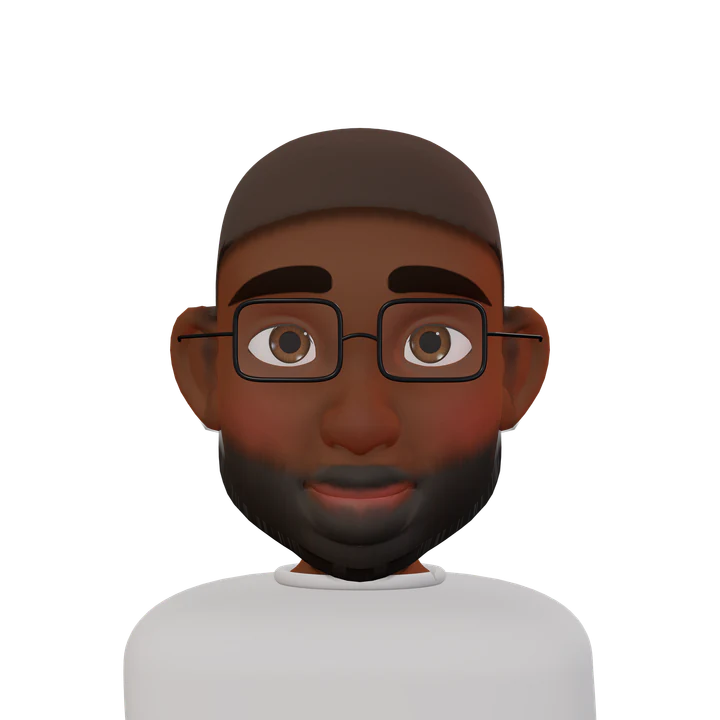
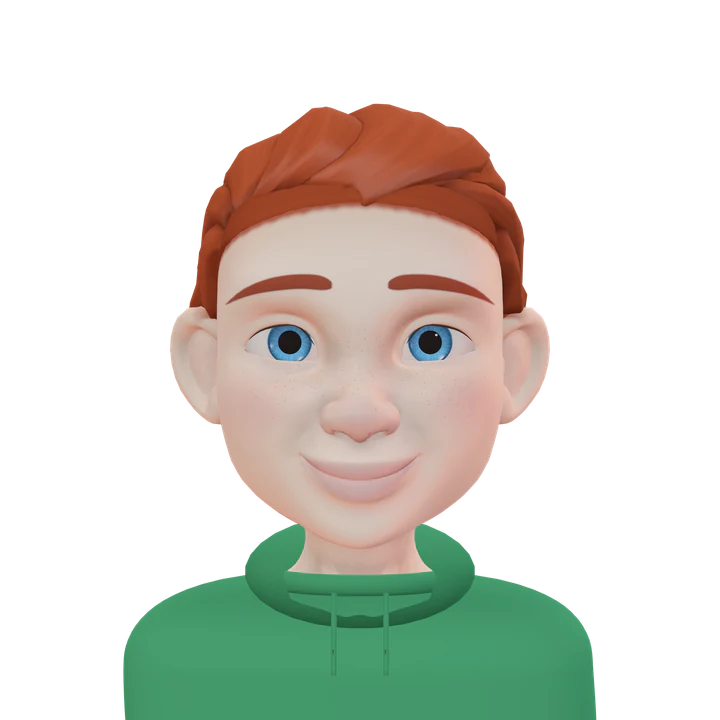
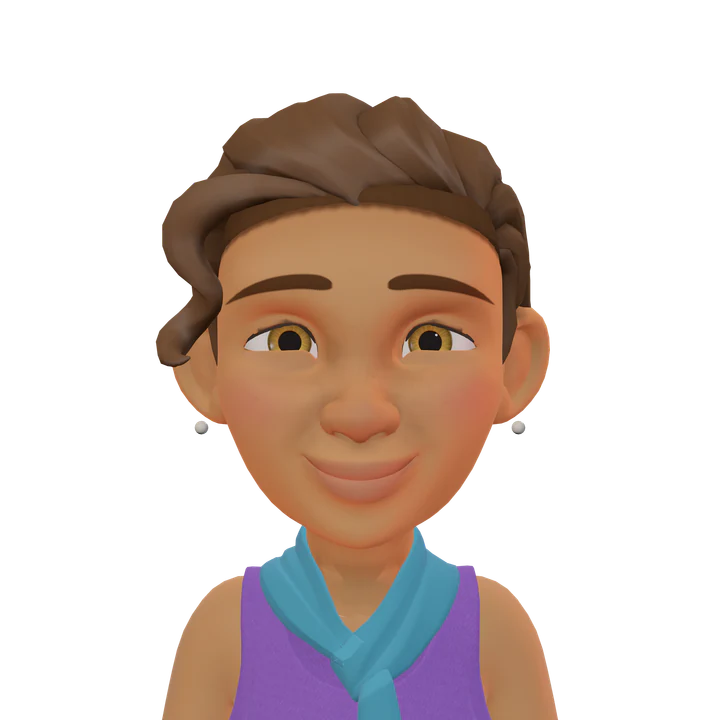
01 / 05 · Memoji Studio
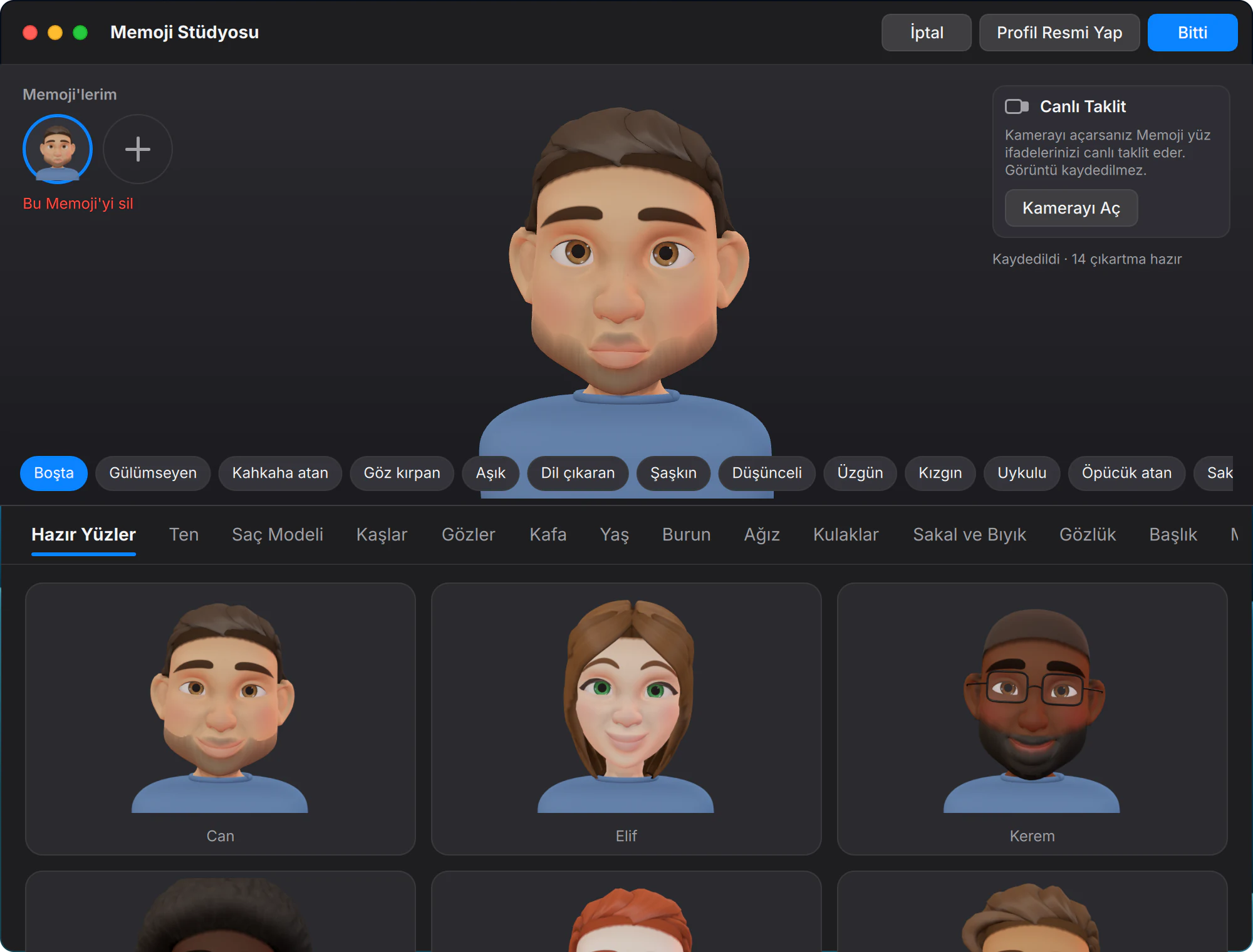
Start from a ready-made face.
The Studio opens with ready-made faces. Pick one, then make it look like you.
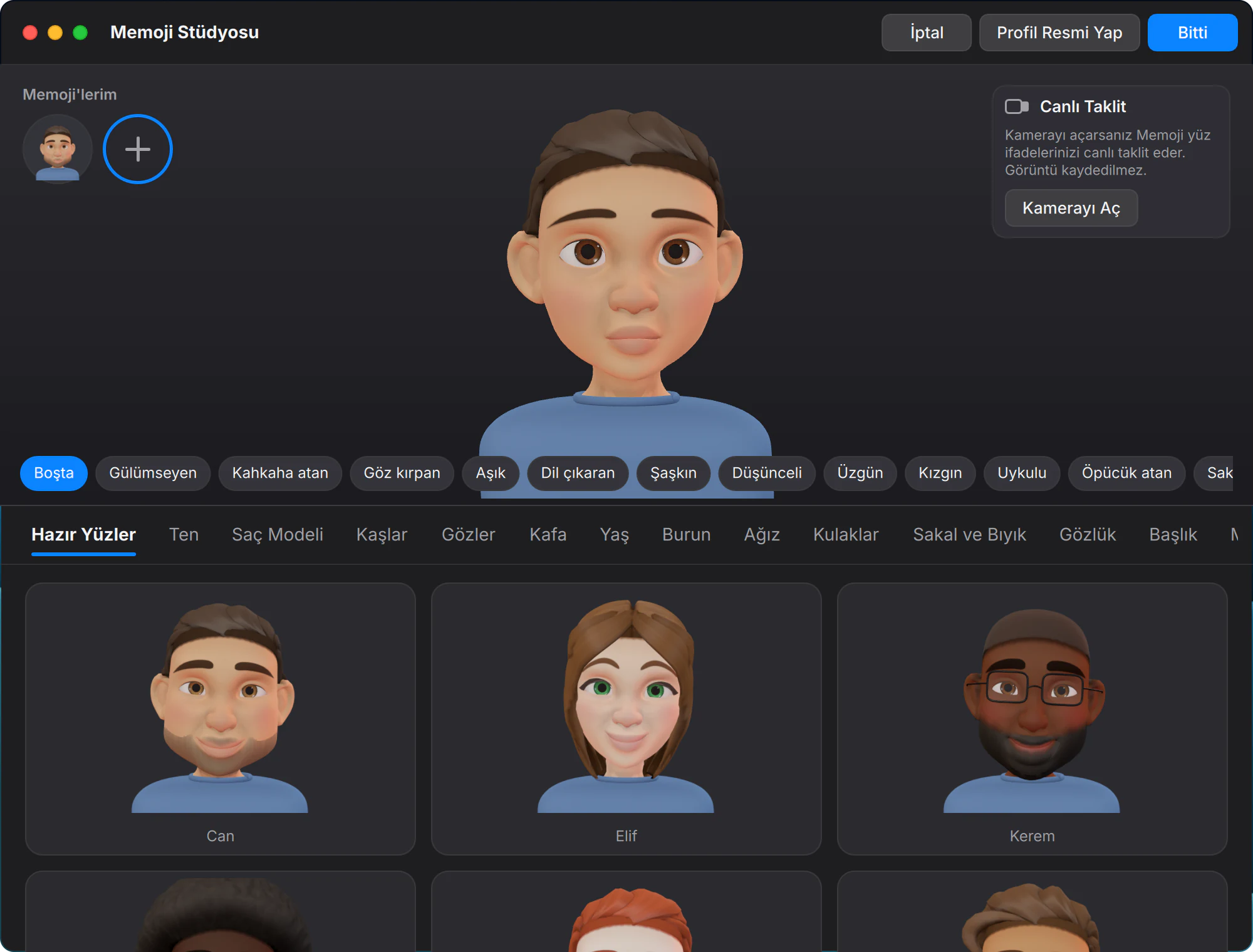
02 / 05 · Memoji Studio
Every detail is yours.
Skin, hair, eyes, head, facial hair, glasses and outfit, each in its own tab.
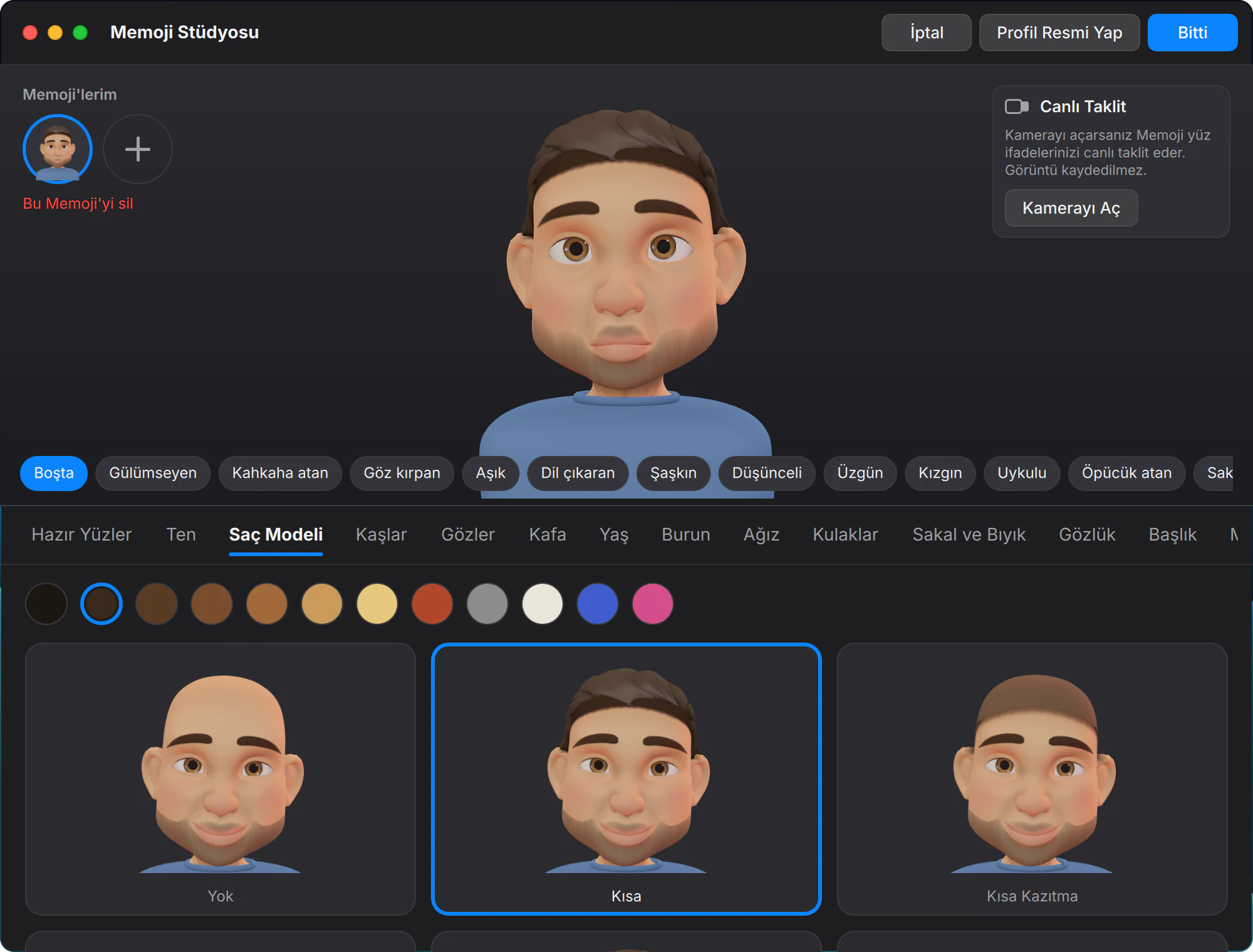
03 / 05 · Memoji Studio
Try on expressions.
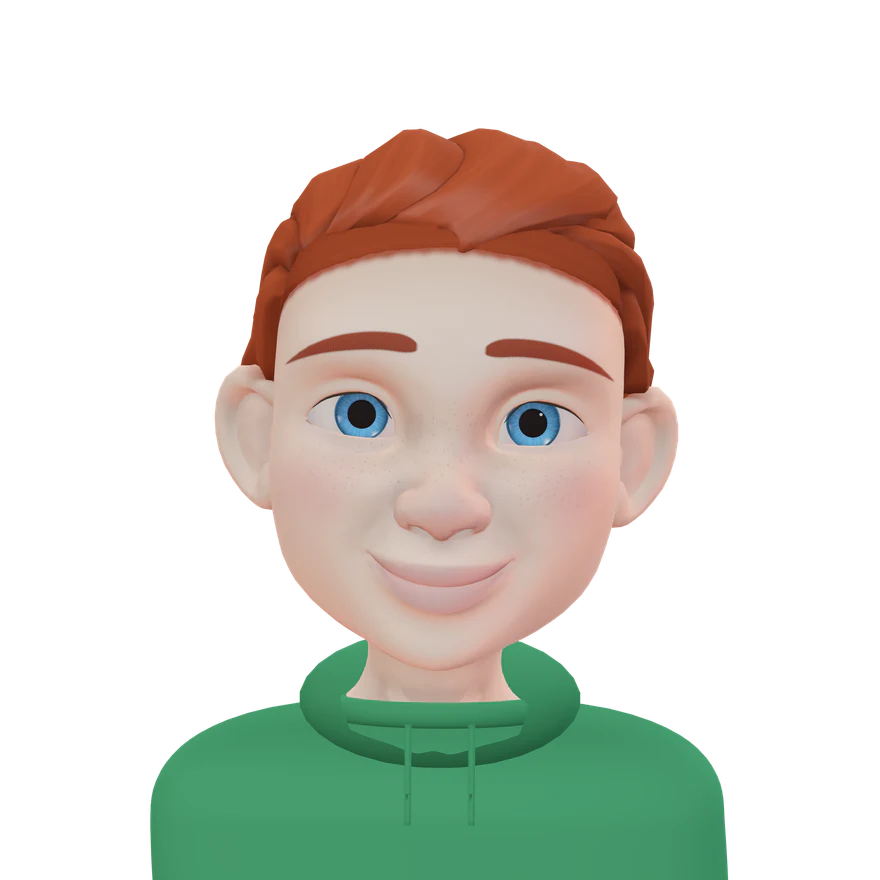
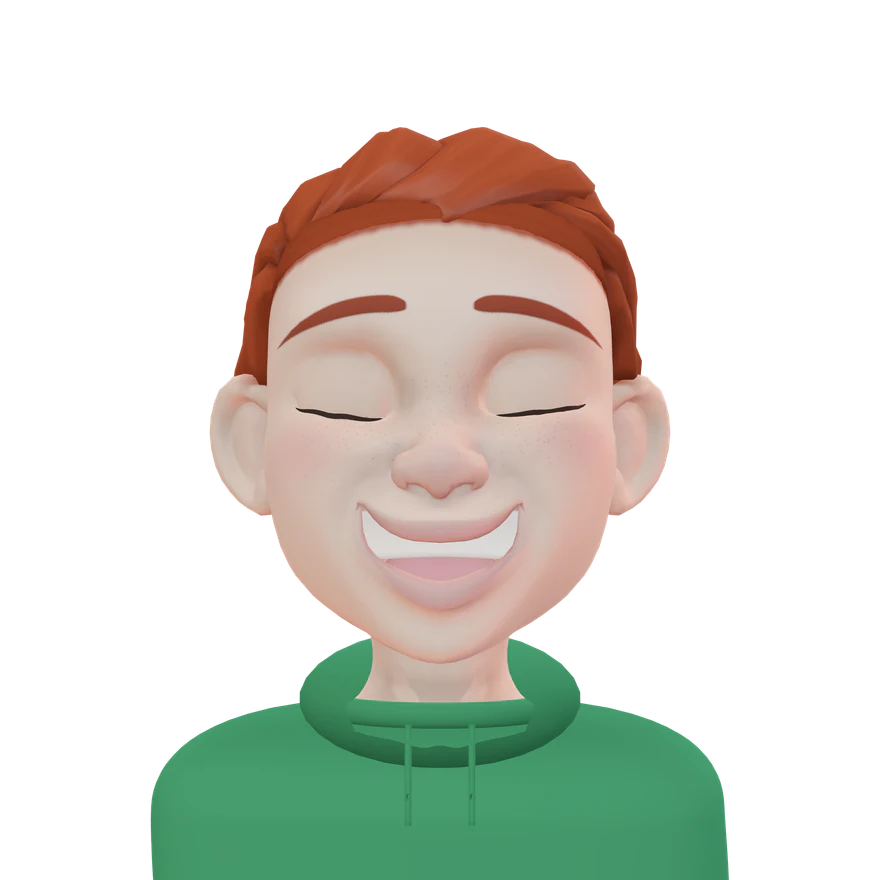
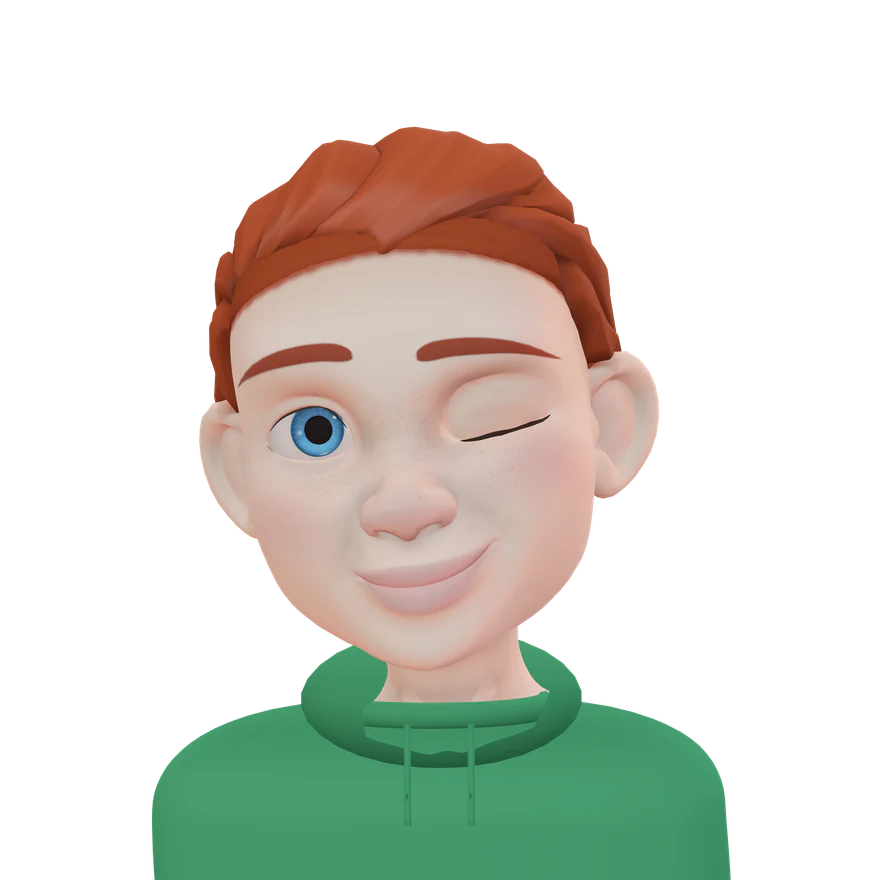
In the preview, your avatar laughs, winks and gets heart eyes.
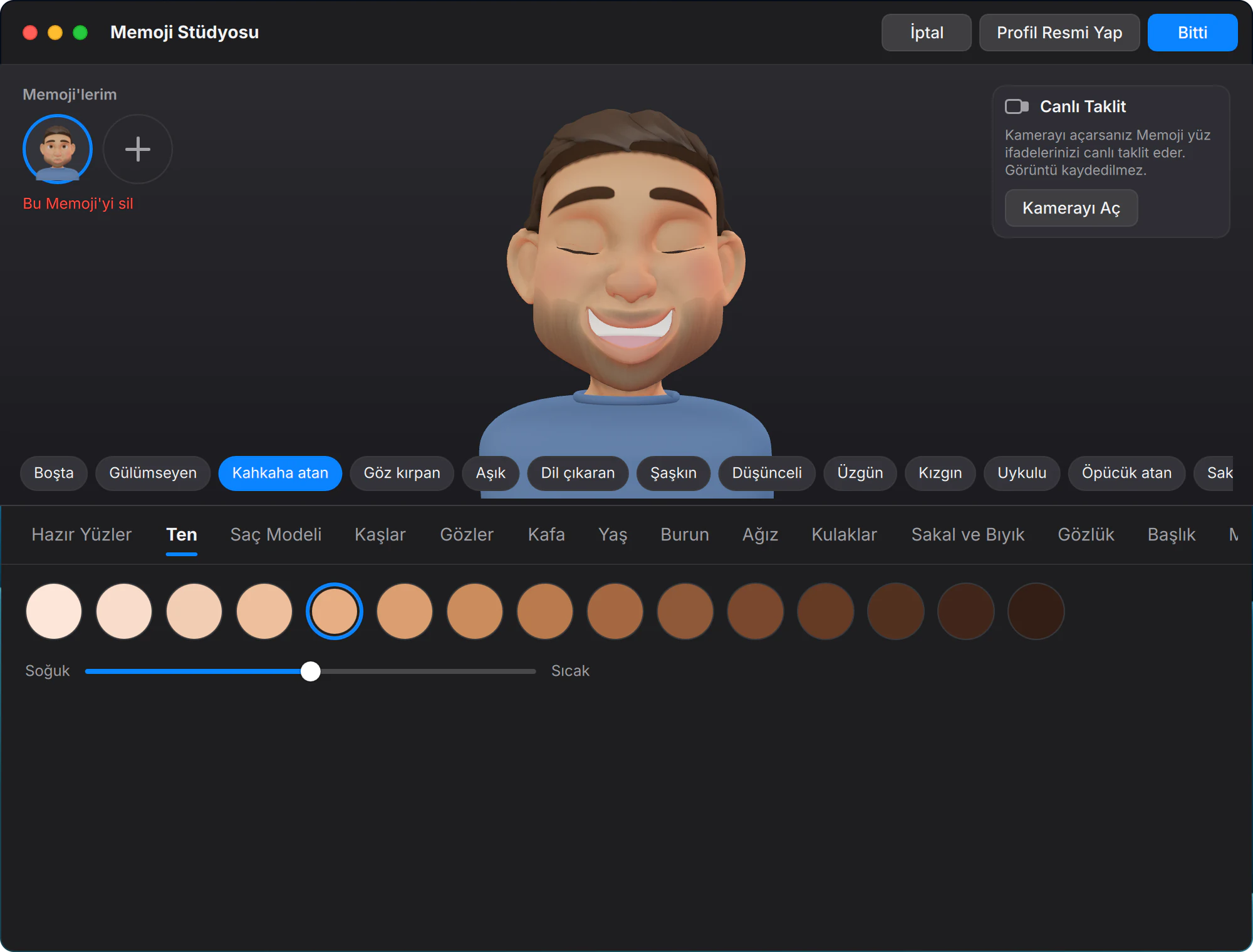
04 / 05 · Memoji Studio
Save it. Stickers, done.
The moment you save, 14 stickers are ready.
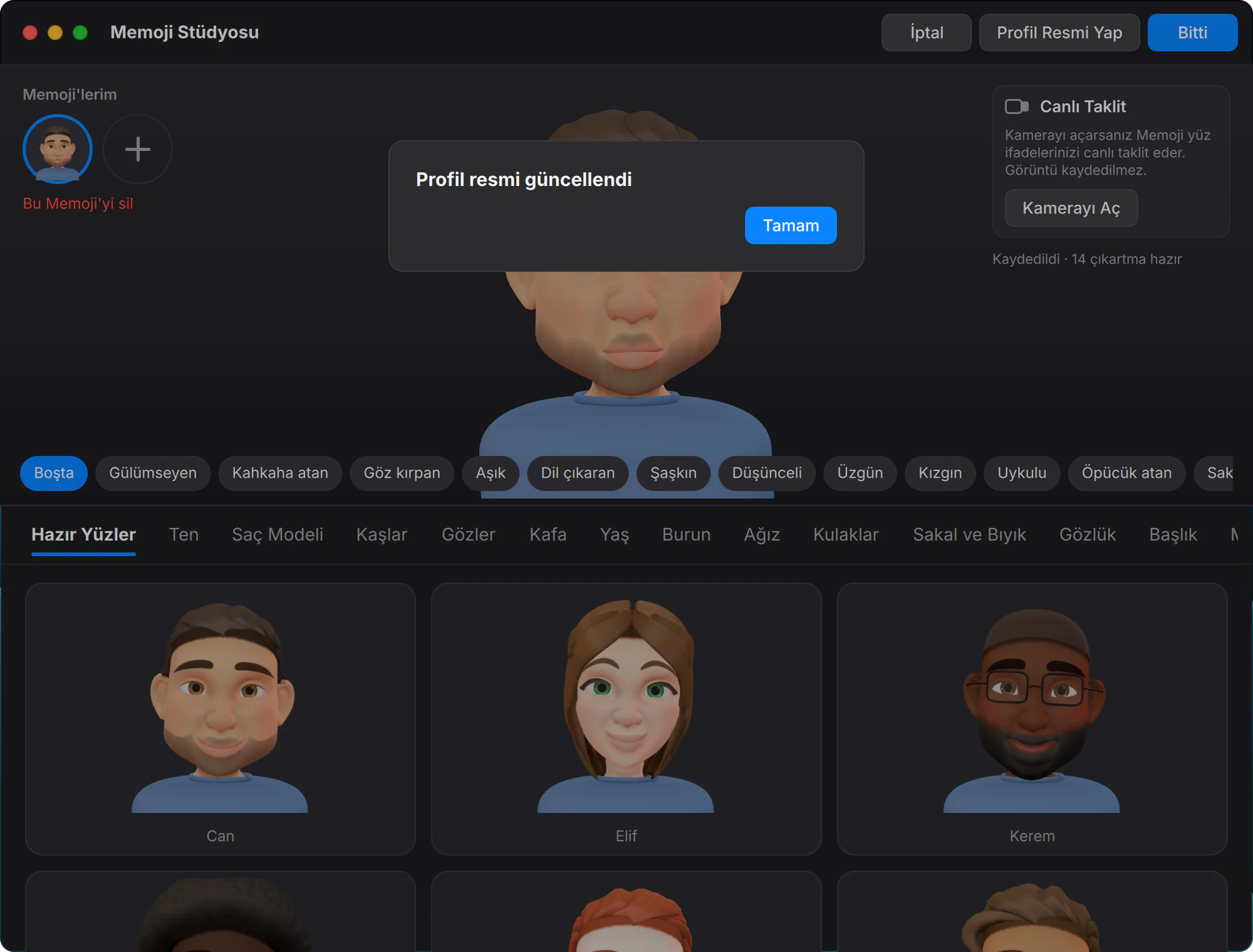
05 / 05 · Memoji Studio
Make it your profile picture.
One click and it’s your account picture.
It copies
your face.
With a camera, your avatar mirrors your expressions live. The image is processed in memory only — never saved, never sent.
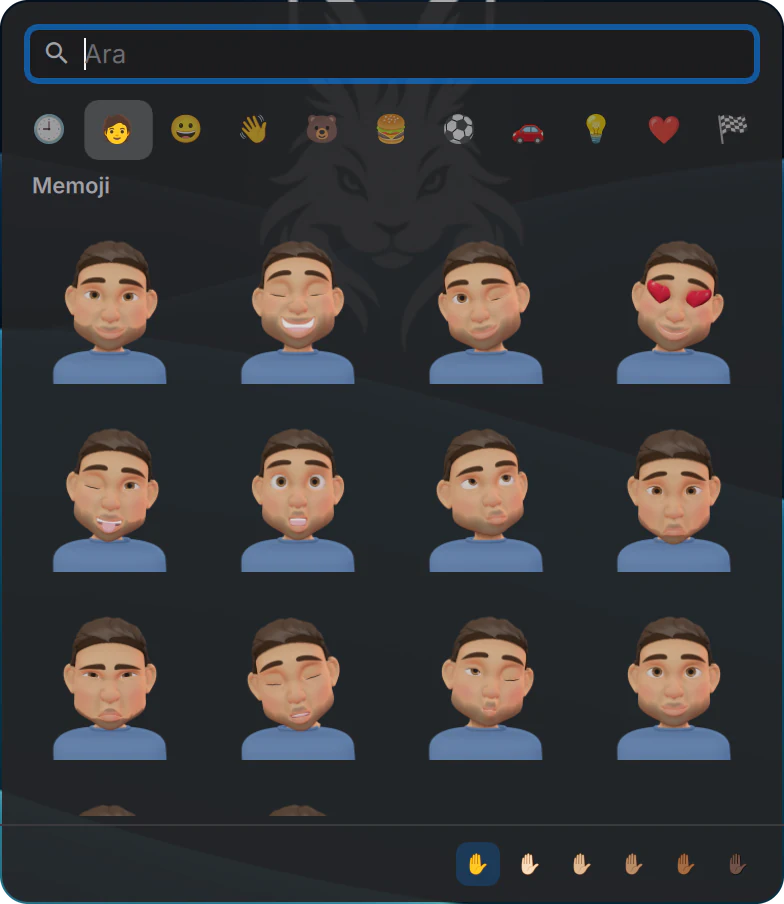
Your stickers,
one shortcut away.
Your Memoji wait in their own tab of the emoji picker. Ctrl+Meta+Space.
The Memoji model is adapted from Blender Studio’s “Rain” character · CC BY 4.0 · Credits
One click
to install.
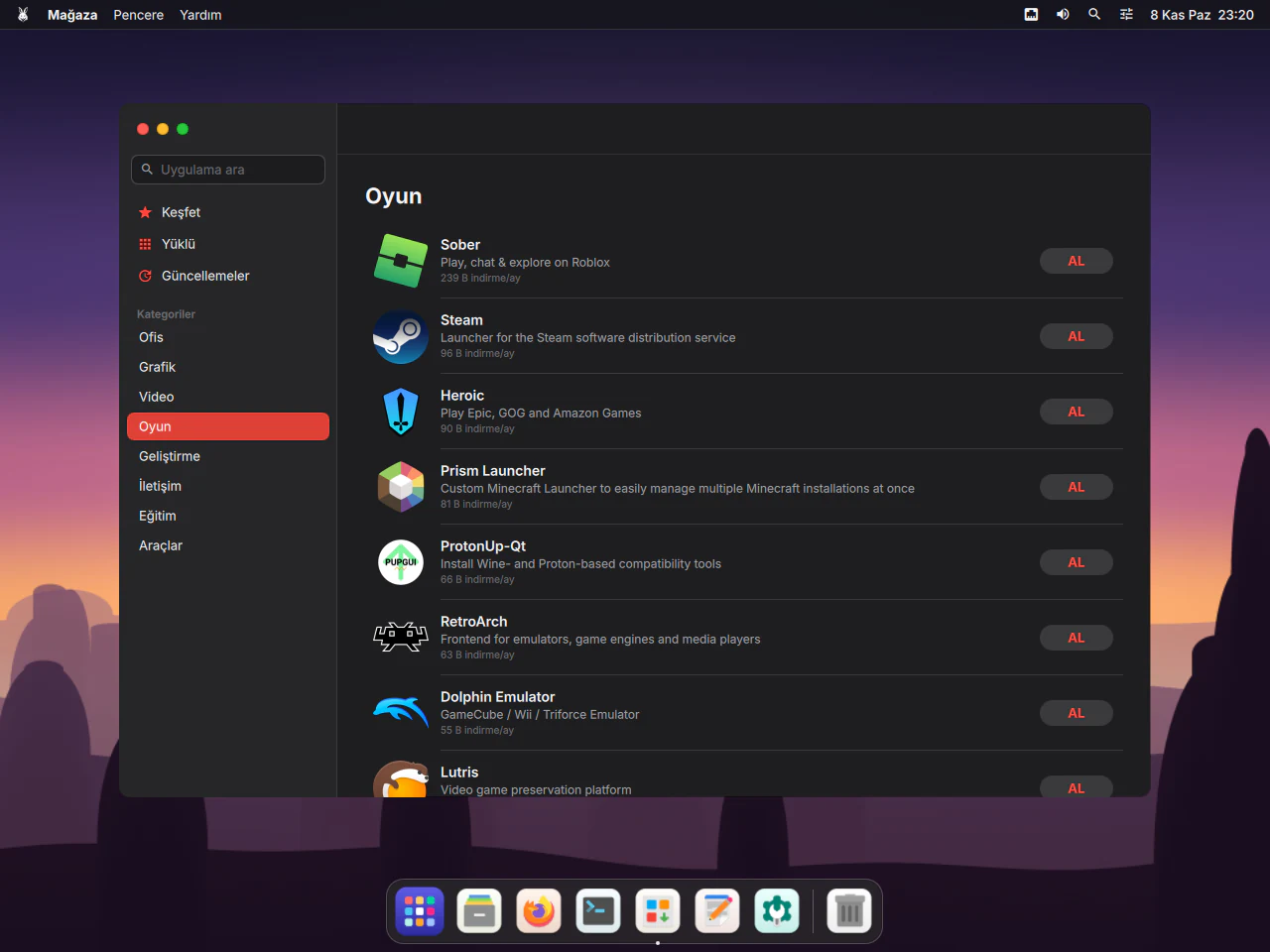
No commands to type. Search, press “GET”, open. The catalogue comes from Flathub, the largest app repository in the Linux world.
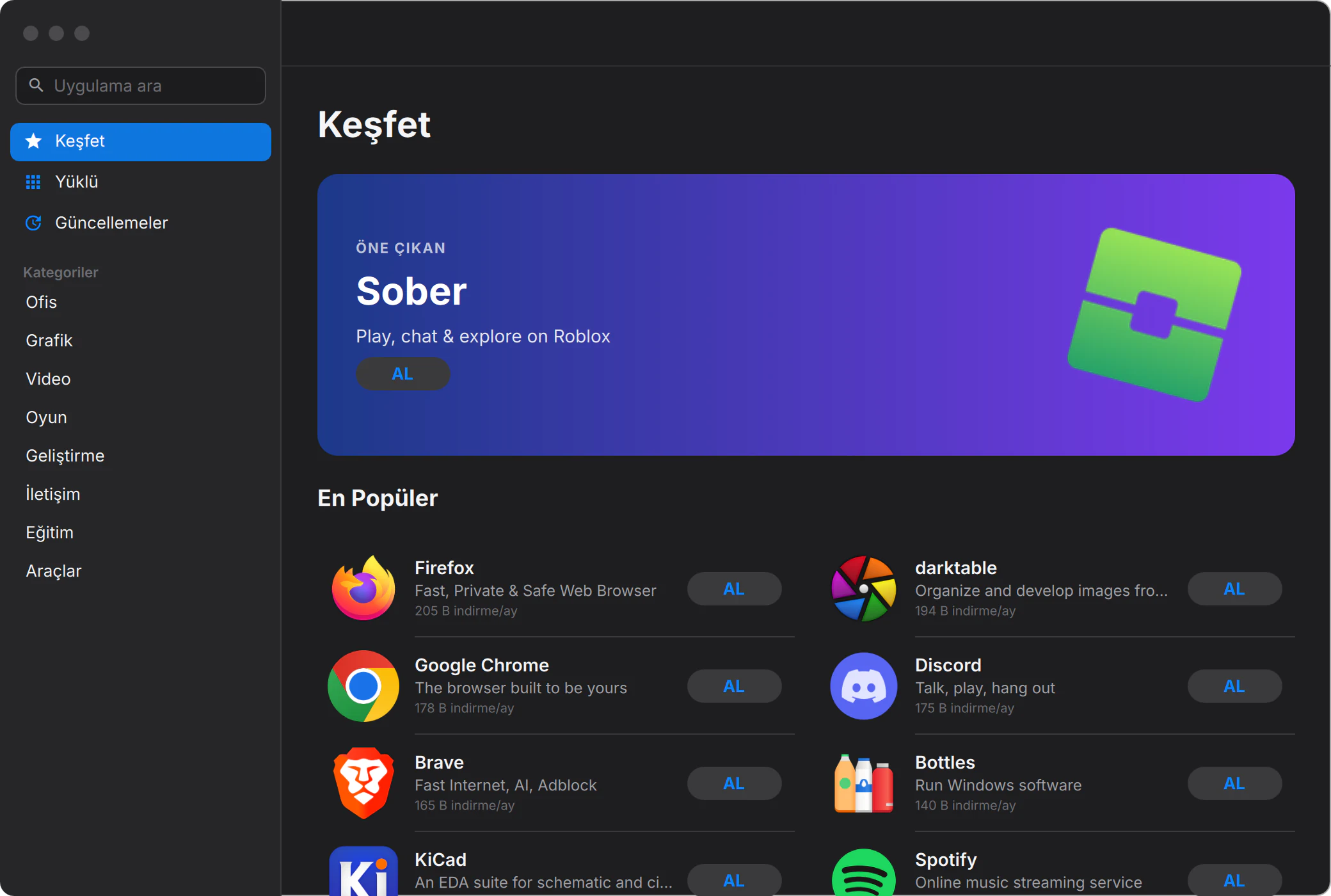
Names you know
Firefox, Google Chrome, Discord, Spotify and thousands more.
Games, too
Launchers like Steam, Heroic (Epic, GOG, Amazon) and Prism Launcher install from the Store.
Always up to date
Apps update quietly in the background, once a day.
Eight categories
Office, Graphics, Video, Games, Development, Communication, Education, Tools.
The little
things.
What makes you love a system are the details you use without noticing.
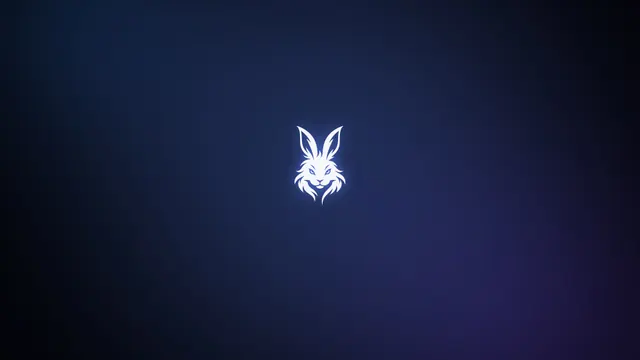
Five wallpapers
Gece, Tiftik, Kapadokya, Boğaz and Açık, all made for AngoraOS.
Gece 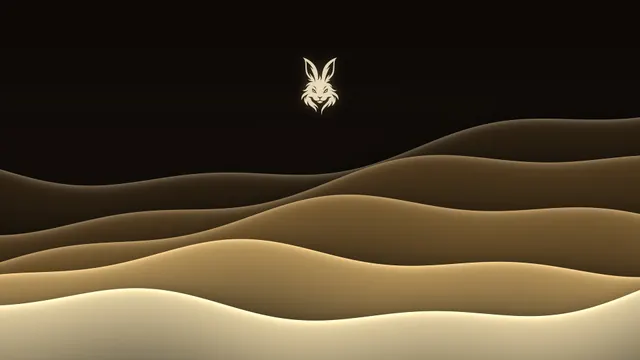
Tiftik 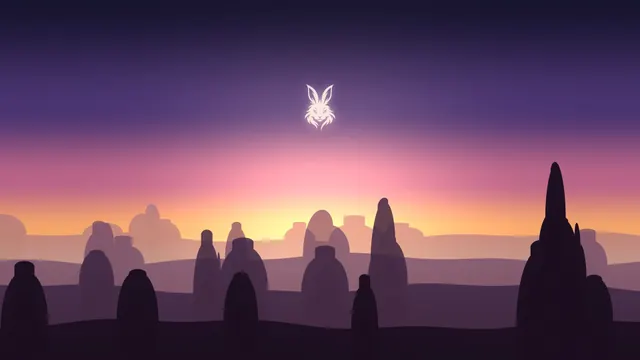
Kapadokya 
Boğaz 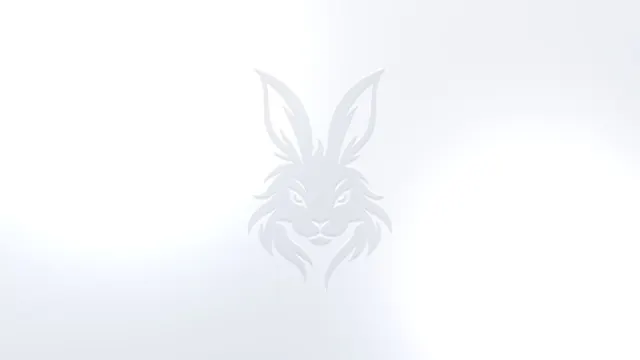
Açık
24 system sounds
From notifications to the trash, charging to screenshots. Other apps use the same sounds.
Turkish, done properly
Turkish Q keyboard, localised folder names and spell-checking, with English and other languages a click away.
When you close the lid
With an external display attached, work carries on there; otherwise the computer sleeps.
Emoji, one shortcut away
Ctrl+Meta+Space opens the emoji picker.
Your
computer.
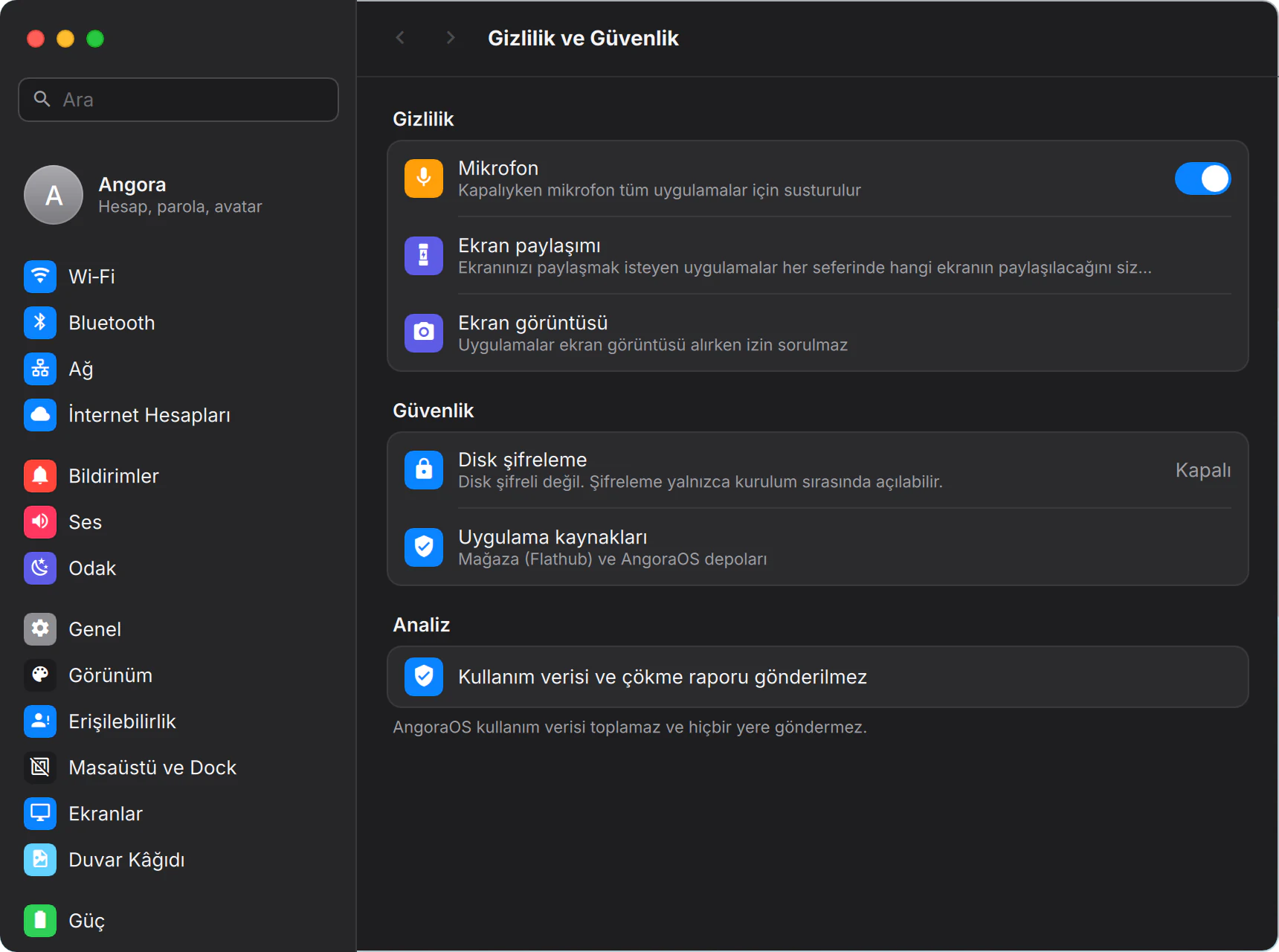
Security is switched on from day one. All you have to do is use it.
AngoraOS collects no usage data and sends nothing anywhere. It isn’t a setting. The system simply has no such thing.
Disk encryption
One click during installation encrypts the whole disk (LUKS2). If your computer is stolen, your files stay unreadable.
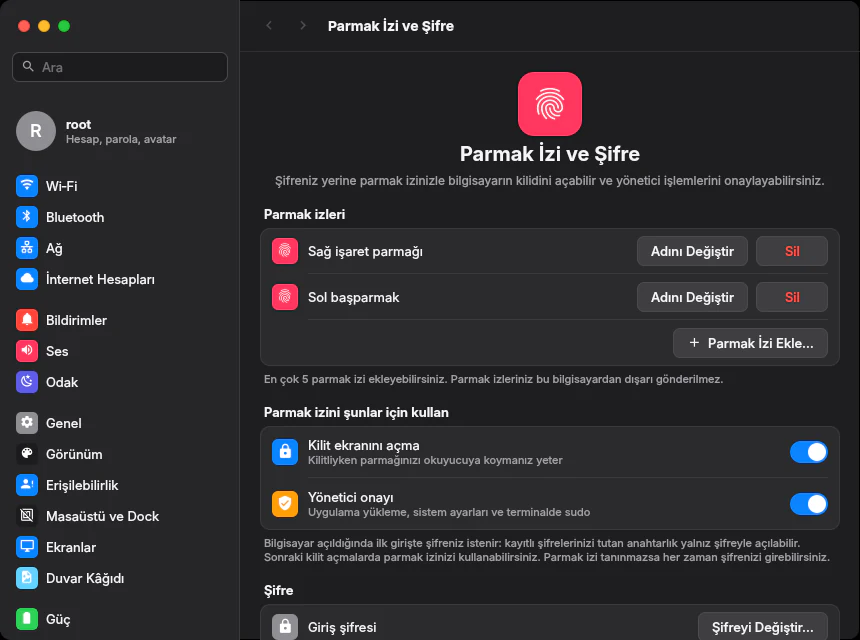
Fingerprint
Unlock the screen and approve admin actions. Up to five fingers, and your fingerprint never leaves your computer.
Firewall
Incoming connections are closed by default; only the system’s own sharing services get through.
Patches, automatically
Security updates install in the background. The system never restarts on its own.
Private Wi‑Fi address
Each network sees a different hardware address, so networks can’t link your visits together.
No data collection
No usage data, no crash reports.
Everything you see,
we wrote.
Underneath sit mature, proven parts that have been in use for years. The best of both.
- Ours
Angora Shell
Menu bar, Dock, Launchpad, Control Centre, search, notifications, 32 widgets, and the system apps from Settings to the Store.
- KDE · plus our own plug-ins
KWin Wayland
The engine that draws windows on screen. The left-hand window buttons, frosted glass, screen mirroring and window behaviour are our own plug-ins.
- Debian
Debian 13 (trixie)
Packages and security updates, on a foundation known for being rock solid.
- Our own build
Mark1 Linux 7.3.3
The current stable Linux, tuned for the desktop and built by us.
We wrote the whole interface ourselves, and picked a proven engine to draw the windows.
The KDE Plasma desktop isn’t used; your session opens straight into Angora Shell. The login and boot screens are our own design too. KDE and GTK apps run just fine.
An engine tuned for the desktop.
- Version
- Linux 7.3.3-angora-mark1
- Tuning
- Desktop responsiveness 1000 Hz timer, dynamic preemption (PREEMPT_DYNAMIC)
- Boot
- UEFI and legacy BIOS NVMe, Intel VMD and SATA drivers built into the kernel
- File system
- Btrfs NTFS, exFAT, ext4, XFS and HFS+ disks are readable too
- Memory
- zram Compressed RAM swap on every install
It knows your hardware.
- Graphics: AMD and Intel work out of the box. For NVIDIA, the vendor driver comes ready for RTX 20 and newer, and the open-source driver for older cards.
- Dual-GPU laptops: launch any app on the discrete graphics card.
- Wireless and audio: firmware for Intel, Realtek, MediaTek, Atheros and Broadcom cards is on the install media.
- Printers and scanners: network and USB devices are recognised without hunting for drivers.
- Display scaling: on high-resolution screens, text comes up at the right size on first boot.
- New hardware: fit a new graphics card or fingerprint reader and the system reconfigures itself at boot.
This is a beta and it hasn’t been tested on every computer. Drivers for some of the newest wireless cards (Wi‑Fi 7, for example) arrive in the next kernel build.
Gets on with
your phone.
iPhone or Android: plug in the cable and AngoraOS handles the rest.
Your phone, in Files
Plug in your phone and your photos and files appear in the Files sidebar. Import every photo in one go.
Internet from your phone
Connect over USB, turn on tethering and the computer connects by itself. If there’s Wi‑Fi, it uses that first.
Texts and calls
Texts from an Android phone paired through Phone Link land in Messages, and your computer lets you know when a call comes in.
NitroDrop Early preview
NitroByte’s open-source sharing tool is built into AngoraOS. It finds nearby devices, pairs with a code and sends files. Testing on real devices is ongoing.
Up in
minutes.
Boot from a USB stick, then install or just try it. You can also install alongside Windows without erasing it.
01 / 09 · Setup
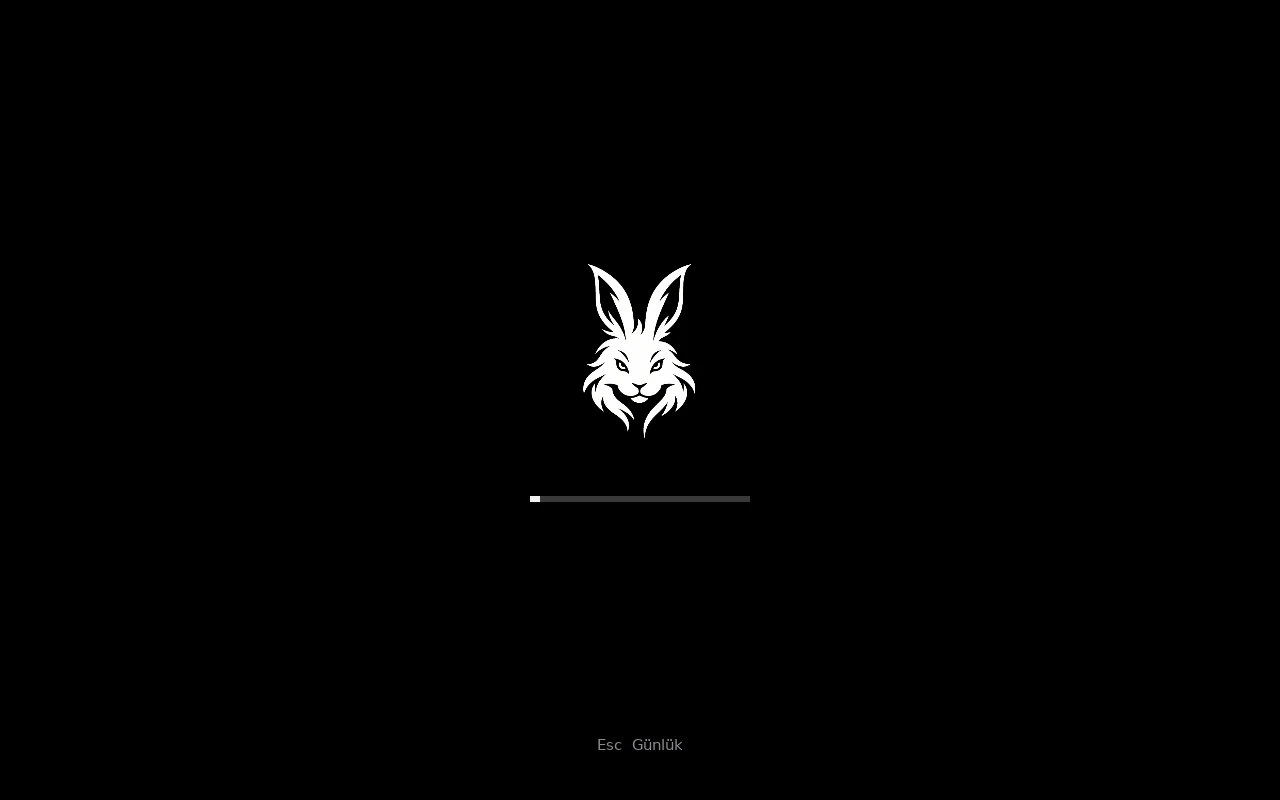
A quiet start.
No scrolling text, just the logo and a progress bar on black. Press Esc if you want the details.
02 / 09 · Setup
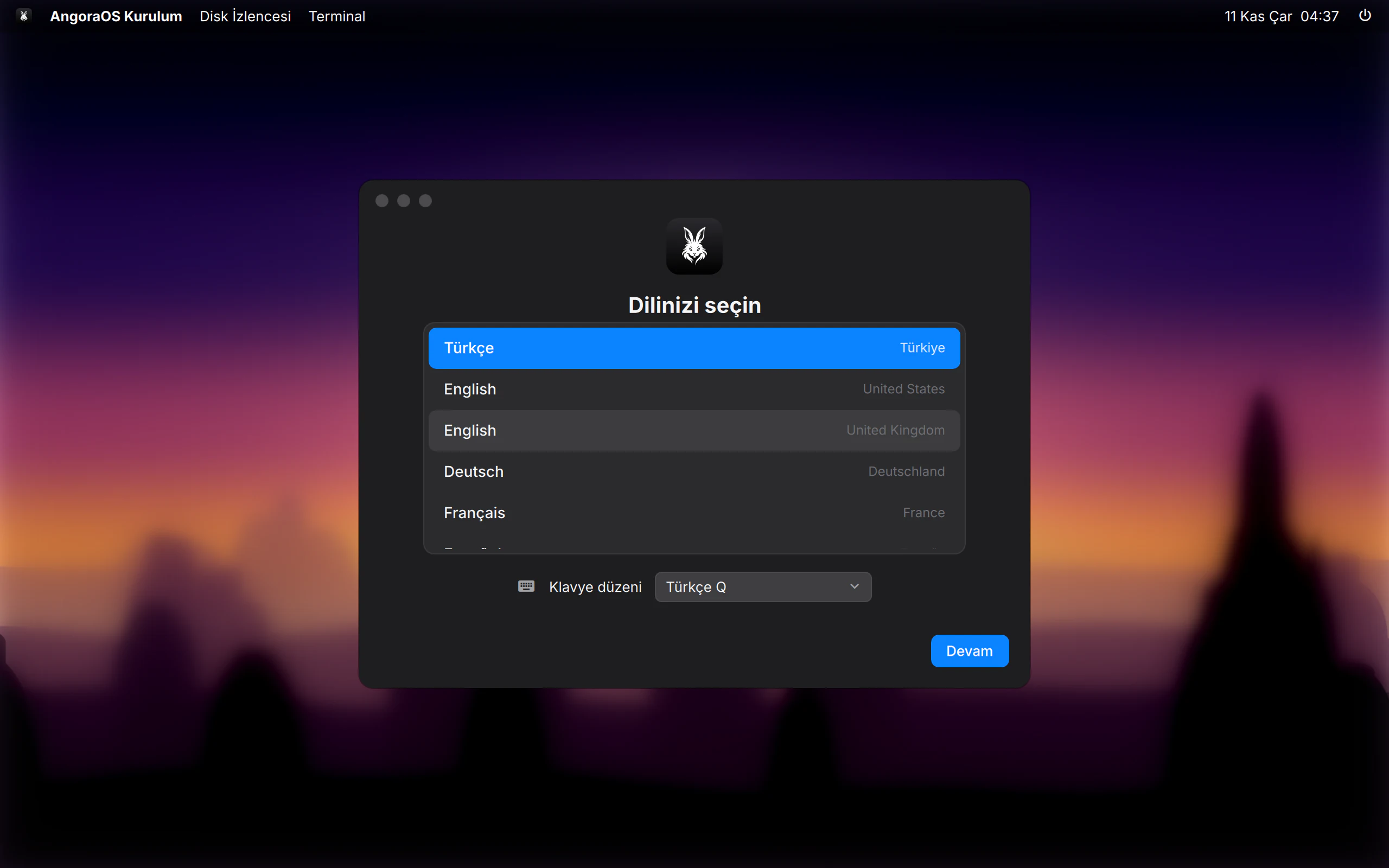
Pick your language.
More than 40 languages to choose from, and the keyboard layout follows.
03 / 09 · Setup
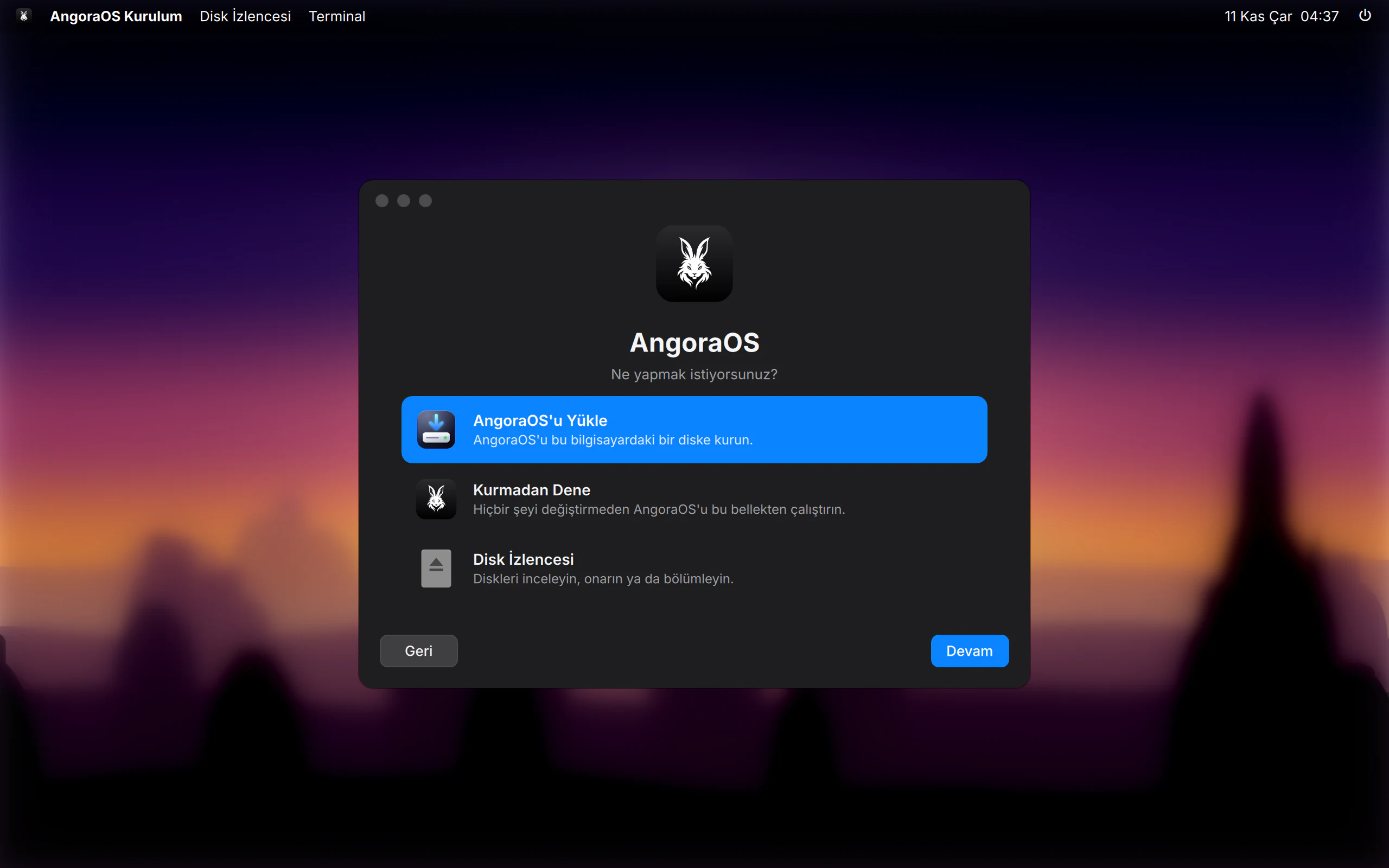
Try it first.
“Try without installing” runs the system from the USB stick and leaves your computer untouched.
04 / 09 · Setup
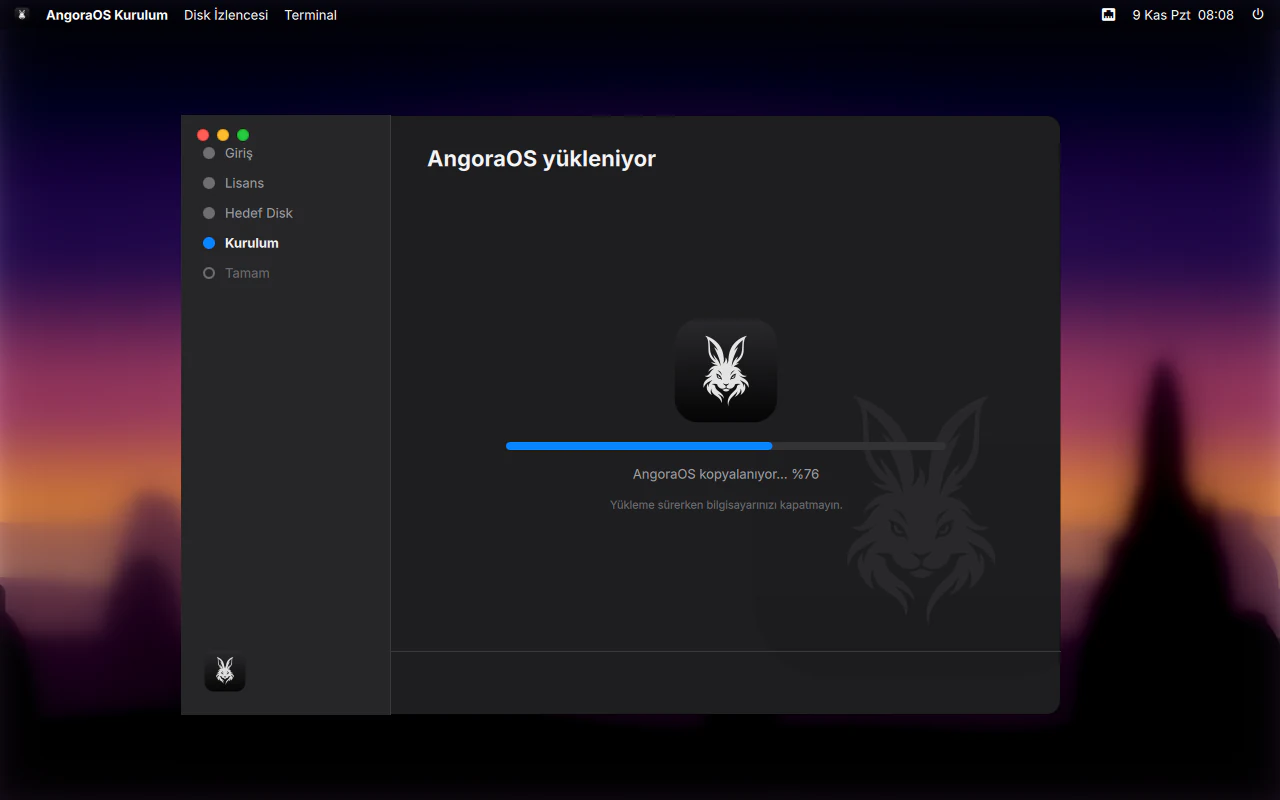
Sit back.
Choose a disk and encrypt it if you like. The installer does the rest.
05 / 09 · Setup
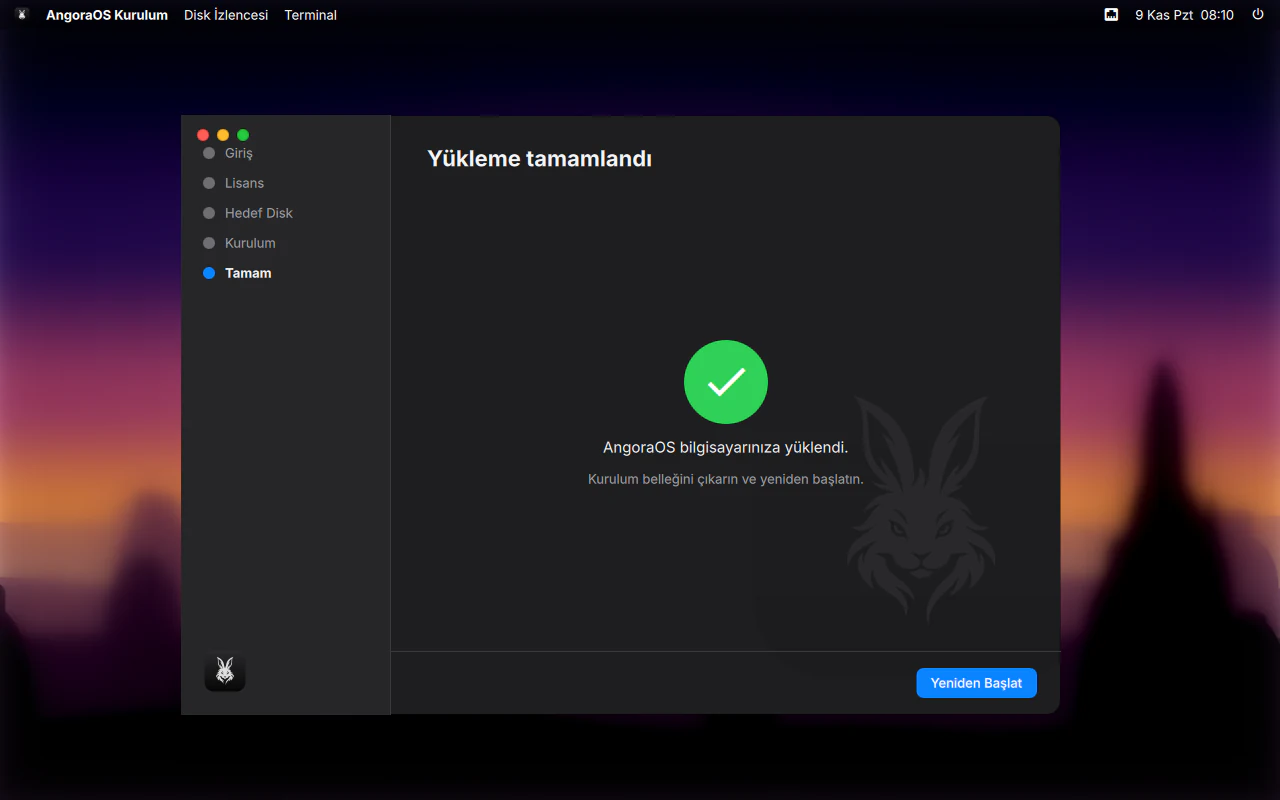
Done.
Remove the USB stick and restart.
06 / 09 · Setup
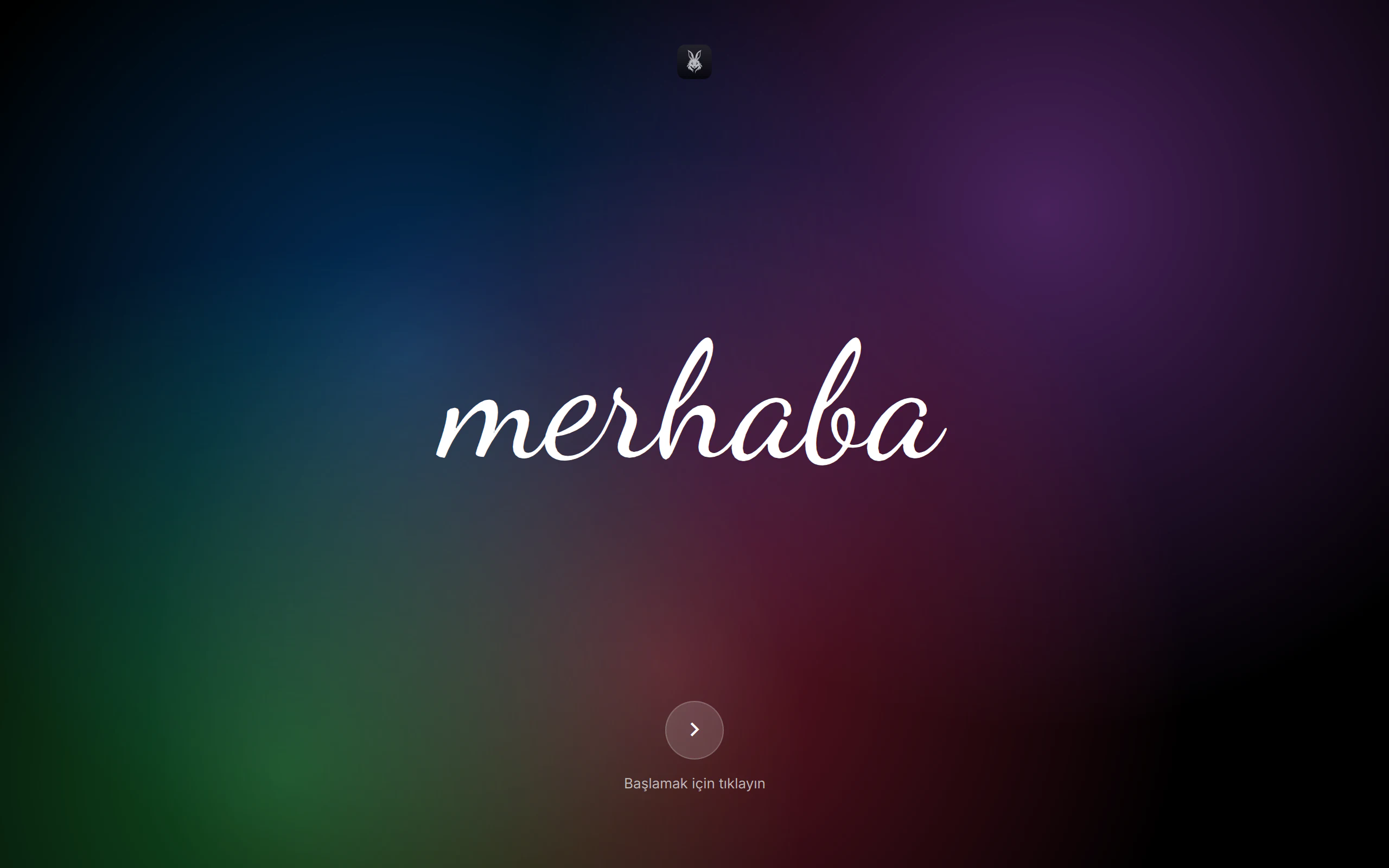
Hello.
On first boot, the Setup Assistant says hello.
07 / 09 · Setup
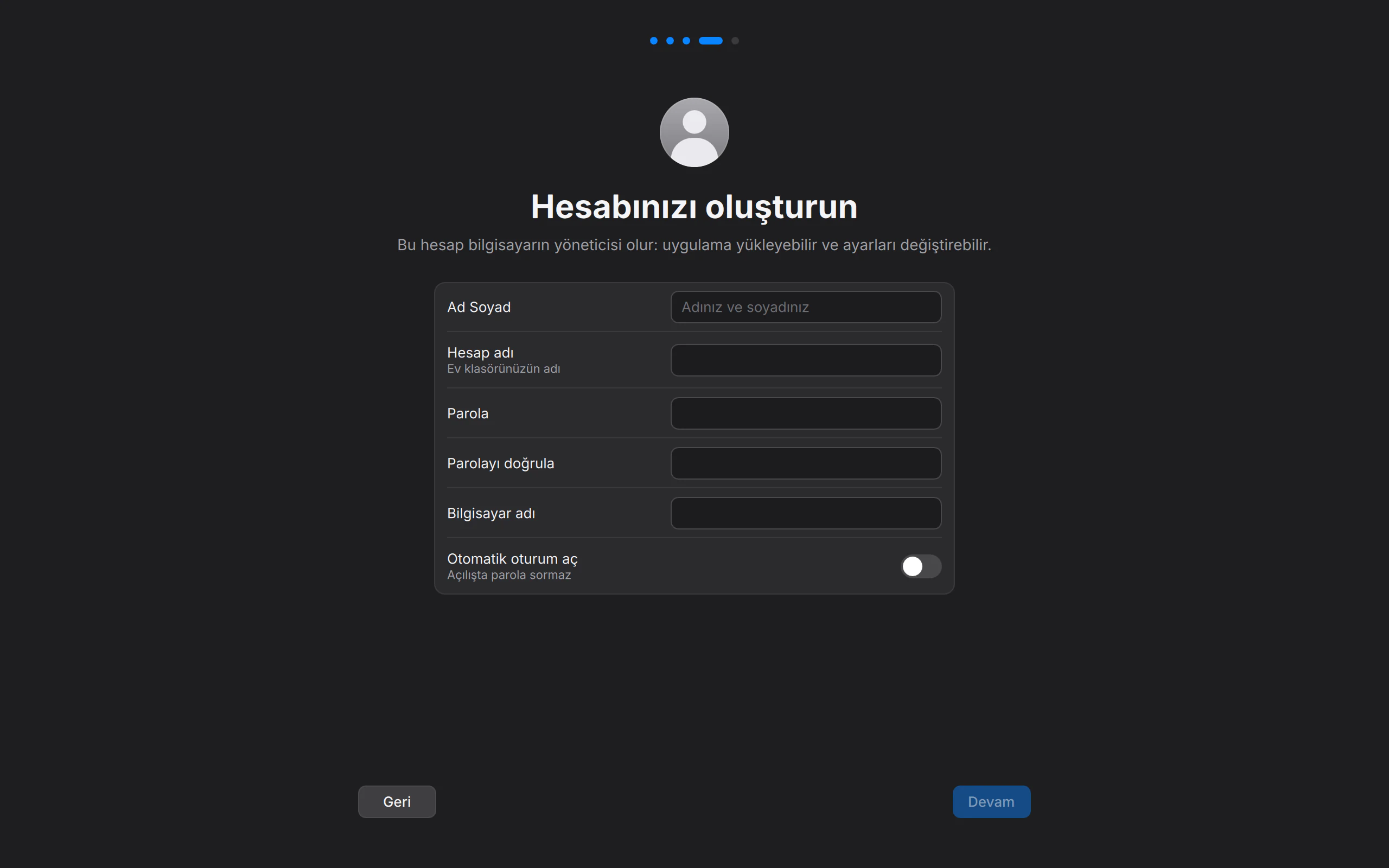
Your account.
Name, password, computer name. Because this comes after installation, you can hand the computer to someone as if it were fresh out of the box.
08 / 09 · Setup
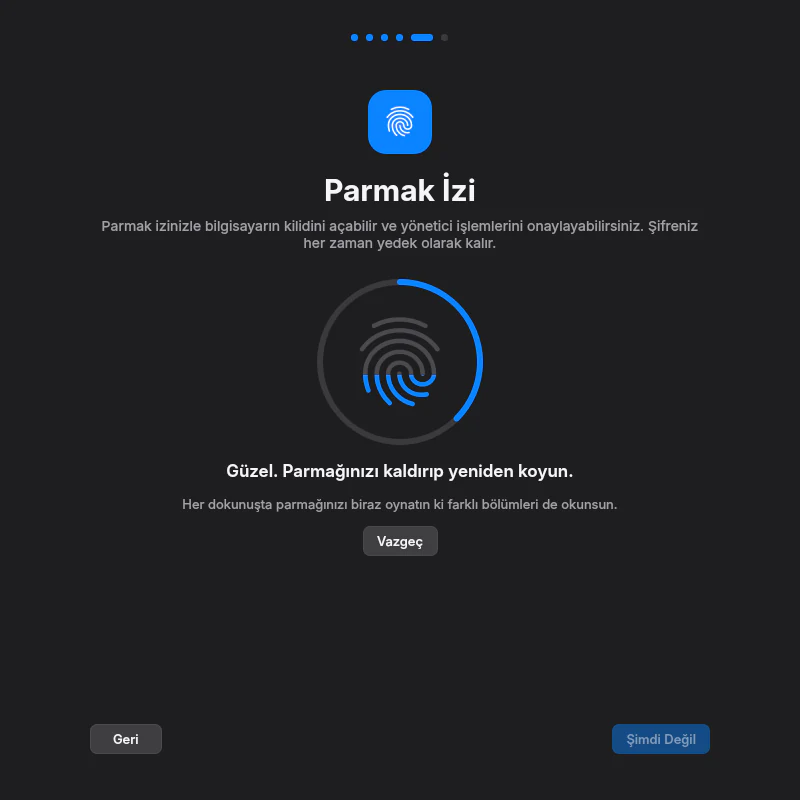
Your fingerprint.
Got a reader? A few touches and you’re enrolled. Your password always stays as a fallback.
09 / 09 · Setup
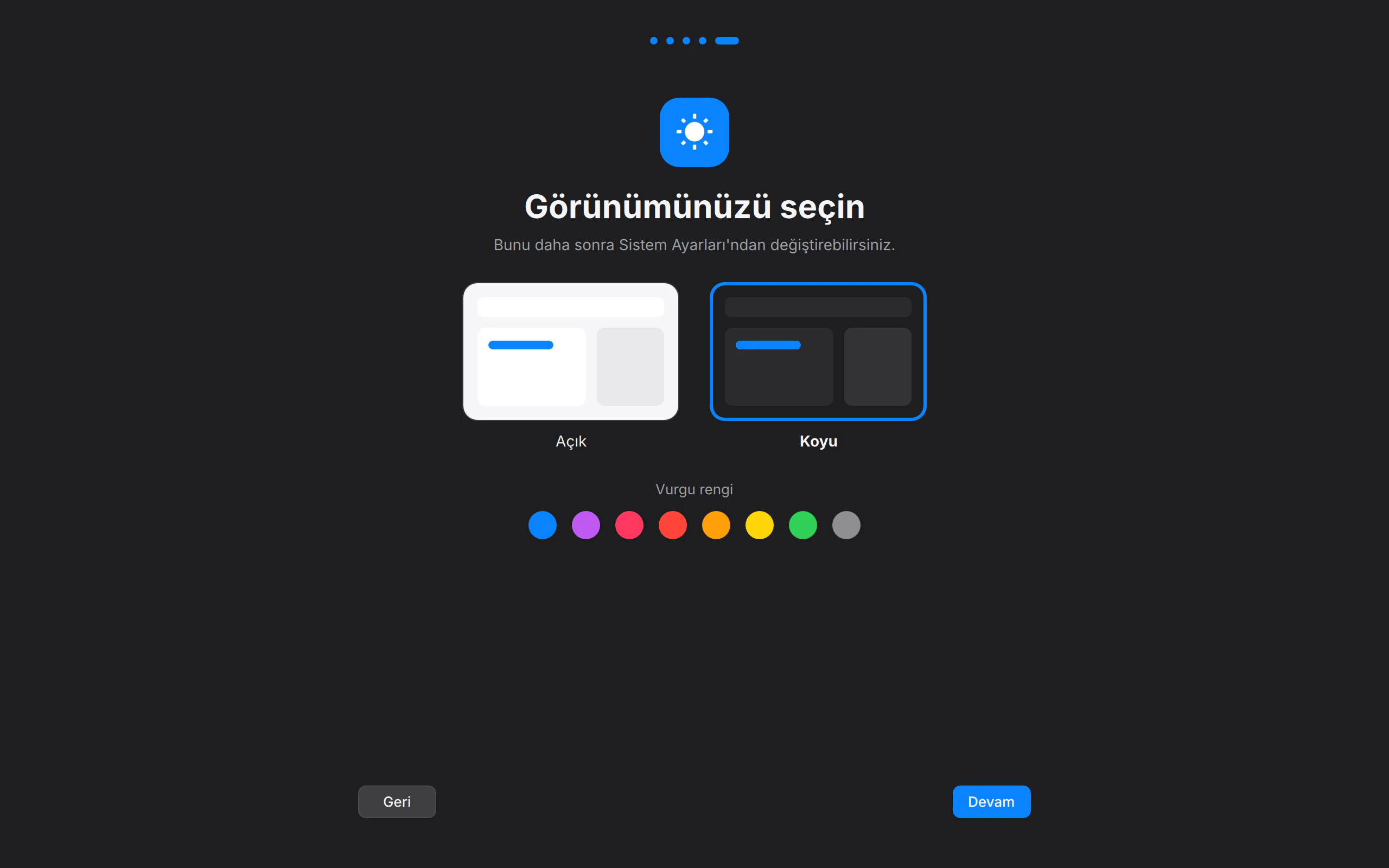
Your look.
Light or dark, and one of eight accent colours. Then, your desktop.
Where we’re
heading.
What exists, we describe as it is. What doesn’t, we call “planned”.
- Public download: an installable live ISO with our own installer
- Angora Shell and 17 of our own apps
- Mark1 kernel (Linux 7.3.3)
- Disk encryption, fingerprint, firewall
- Installs with Secure Boot on
- Recovery over the network
- Store (Flathub catalogue)
- Download mirrors
- Our own emoji set: Angora Emoji
- Android apps